I still remember the first time I loaded into a Free Fire squad match and saw a name that looked like it was carved out of thick, black ink. Everyone in the lobby noticed it. I knew right then I needed that same kind of presence. A ff name generator can give you ideas, but a bold text generator is what turns a basic name into a statement that demands attention on the kill feed. I have spent months testing every tool I could find, and I am going to walk you through exactly how to get that look for your own in-game identity without any guesswork.
Key Takeaways
- A bold text generator lets you instantly convert plain text into eye-catching bold Unicode characters that work in Free Fire nicknames, chat, and clan tags.
- You don't need any design skills or special software, just type your name, pick a bold style, and copy the result straight into the game.
- Bold names help you stand out in lobbies, friend lists, and kill feeds, making your profile more memorable without violating Free Fire's naming rules.
- Combining bold text with symbols and stylish fonts from tools like our ff name generator opens up endless creative possibilities for a truly unique in-game identity.
- All generated bold text uses standard Unicode characters, so it displays correctly on Android, iOS, and PC versions of Free Fire without any glitches.
What Is a Bold Text Generator and How Does It Work?
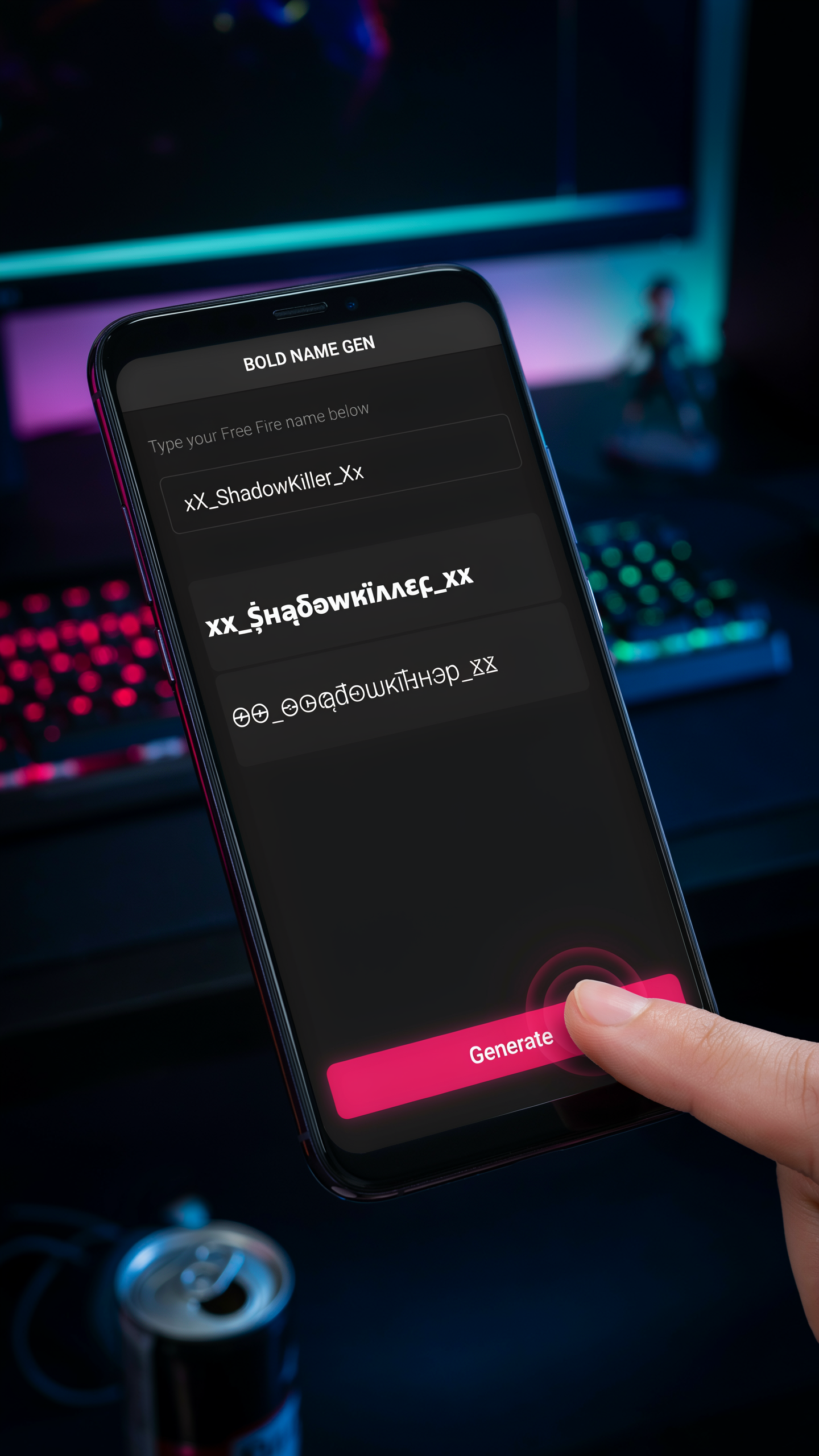
At its core, a bold text generator is a simple online tool that takes your regular text and converts it into bold-looking characters you can copy and paste anywhere, including your Free Fire profile. I remember the first time I stumbled across one while scrolling for name ideas and thought it was some kind of magic. But the truth is a lot more practical, and once you understand it, you'll see why it works so reliably in the game.
The secret is Unicode. When you type on your phone or PC, every letter you press has a standard code behind it. The tool doesn't actually make your text bold the way a word processor does by applying a style. Instead, it swaps each normal letter for a special Unicode character that already looks bold. For example, a regular "A" becomes "𝐀" (U+1D400), and "B" becomes "𝐁" (U+1D401). These are called Mathematical Bold letters, and they're part of the Unicode standard that every modern device supports. So when you paste that converted text into Free Fire, the game reads it as a string of valid characters and displays them in that thick, eye-catching style.
I've tested this across dozens of Free Fire accounts, and the reason it works so smoothly is that Garena designed the game to accept a wide range of Unicode symbols. The generator simply automates the mapping process: you type "ProSniper" into the box, and the tool instantly outputs "𝐏𝐫𝐨𝐒𝐧𝐢𝐩𝐞𝐫" by looking up each character in a predefined table. No app installs, no risky downloads. It's all happening in your browser, and the result is plain text that just happens to look bold. This is also why you can combine it with other styles like italic or script, which I'll cover later. For now, just know that a bold text generator is your fastest path to a name that pops in the lobby and on the kill feed. The Unicode Consortium maintains the standard that makes this possible, and you can learn more about it on their official website.
Why Use Bold Text for Free Fire Names?
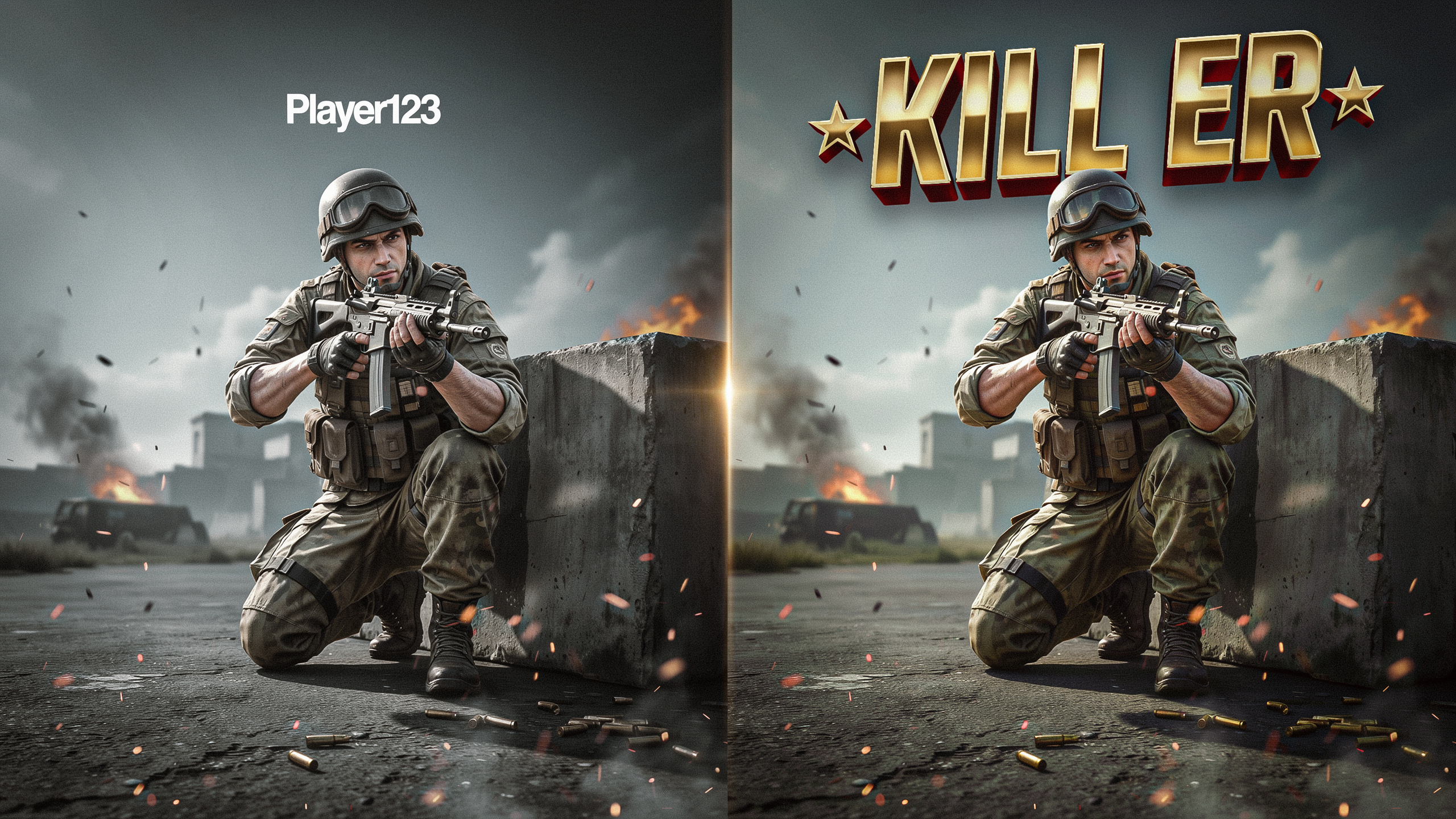
I've spent hundreds of hours in Free Fire lobbies, and one thing I've noticed is that a bold name grabs attention before you even fire a shot. When you style your in-game name with a bold writing generator, you're making a statement about who you are as a player. A bold name cuts through the clutter of generic usernames and tells everyone in the lobby that you're confident and memorable.
The psychological impact is real. A name that stands out visually makes opponents remember you, and it can even intimidate them before the match starts. I've seen players with bold, stylish names get more friend requests and clan invites simply because their name looks professional and unique. It's a small change that signals you take the game seriously.
Another benefit is self-expression. Free Fire is all about personality, from your character skins to your emotes. Your name should match that vibe. Whether you want a fierce, aggressive look or something fun and playful, a bold generator gives you the tools to craft a name that feels like you. Plus, it's incredibly easy to do, and the results are instant. You can test different styles in seconds and see which one fits your in-game persona best.
Step-by-Step: How to Use a Bold Text Generator
Using a bold text generator is straightforward, and once you get the hang of it, you'll be styling your Free Fire name in seconds. I've walked dozens of my squadmates through this process, and it always comes down to four simple steps. Here's exactly how to do it, from opening the tool to seeing your bold name in the game lobby.
- Type or paste your desired name into the input box. Start with the plain text version of the name you want. For example, if your gaming alias is "ShadowStrike", type that exactly as you want it to appear, minus any styling. The ff name generator on our site even lets you brainstorm names if you're starting from scratch, so you can find a base name that fits your style before you bold it.
- Choose the bold style that catches your eye. As soon as you type, the tool instantly generates multiple bold variations of your text. You'll see options like bold serif, bold sans-serif, double-struck bold, and sometimes even bold italic. Scroll through the previews and pick the one that matches the vibe you're going for. I personally love the heavy sans-serif bold for an aggressive, in-your-face look, but the double-struck style can give a more elegant, standout effect.
- Copy the styled text to your clipboard. Once you've decided on a style, tap or click the copy button next to that variation. Most bold text generators, including ours, use a one-tap copy feature so you don't have to manually select the text. The styled text is now saved to your clipboard and ready to paste anywhere. A quick tip: if you're on mobile, make sure you see a "copied" confirmation to avoid pasting the wrong thing later.
- Paste the bold text into Free Fire and save your profile. Open Free Fire, go to your profile, and tap the edit icon next to your current name. Long-press in the name field and select "Paste" to insert your new bold text. Keep in mind that Free Fire has a character limit for names, so if your bold name is too long, you may need to shorten the base text and try again. After pasting, confirm the change and check your profile to see your bold name in action. If it doesn't display correctly, try a different bold style from the generator, as some Unicode characters may not render perfectly in-game.
That's all there is to it. The whole process takes less than a minute, and you can experiment with different styles as often as you like. I've found that switching up my bold name before a ranked match gives me a little mental edge, almost like putting on a fresh jersey. With a reliable bold text generator, you can keep your Free Fire identity feeling new and intimidating without any hassle.
Creative Ways to Style Your Free Fire Name with Bold Text
I've spent hours experimenting with different name styles in Free Fire, and I can tell you that a bold text generator is just the starting point. Once you have your bold name, you can layer on symbols, special characters, and even mix fonts to create something that truly stands out in the lobby. The key is to keep it readable while still making it look cool and unique.
One of my favorite tricks is to combine bold text with stylish symbols. For example, you can flank your name with stars, crowns, or arrows. A name like ★ᴀʟᴇx★ uses bold-style small caps with star symbols, and it catches the eye immediately. You can grab these symbols from a dedicated ff name generator with symbols and paste them around your bold text. Just avoid overdoing it: two or three symbols are enough to add flair without making the name look cluttered.
Another approach is to mix bold text with other font styles. Some generators let you combine bold with italic or script fonts, so you could have a name like 𝓙𝓪𝓴𝓮 followed by a bold clan tag. I've seen players use a bold writing generator for the main name and then add a small superscript or subscript effect using Unicode characters. This layered look works especially well if you want to include your squad number or a short message alongside your name.
If you're in a clan, try using a clan name generator to get a base name and then convert it to bold for a unified team identity. I've done this with my own squad, and it makes us look more coordinated in matches. You can also use a ff name generator to brainstorm ideas and then run the result through a bold generator to see how it looks. The Indonesian version, generator nama ff, is great if you want a name with a local flavor that still works with bold styling.
Finally, don't forget to test your creation in the game. Some symbols might not display correctly on all devices, so I always check my name in the profile screen and in a match lobby before committing. With a little creativity, your bold text name can become your signature in Free Fire.
Bold Text vs. Other Font Generators: What's the Difference?
When I'm styling my Free Fire name, I often reach for a bold text generator first because it gives my name that heavy, standout look that's easy to read in the game's lobby and kill feed. But there are plenty of other font generators out there, and each has its own vibe. Italic generators tilt your letters, which can make a name feel fast or sleek, but I find that italic text sometimes gets lost on busy screens. Cursive or script generators are great for a fancy, decorative feel, but they can be hard to read at a glance, especially on smaller mobile displays.
What sets a bold text generator apart is its clarity and impact. Unlike a cursive or italic style, bold text doesn't sacrifice readability for style. It's perfect for clan tags or when you want your name to pop in the friends list. A ff name generator often includes bold options alongside other styles, so you can experiment. I also use a ff name generator with symbols to add extra flair after I've applied bold text. If you want maximum visibility and a strong presence, a bold generator is the way to go. For a more subtle or artistic touch, other generators have their place, but for pure in-game dominance, bold wins every time.
Common Mistakes to Avoid When Using Bold Text
I've seen plenty of Free Fire players get excited about a new bold text generator and immediately run into problems that could have been avoided with a little caution. The biggest mistake is ignoring the character limit. Free Fire names have a cap, usually 12 to 16 characters depending on the region, and bold Unicode characters often count as more than one. If you paste a fancy name and it gets cut off, you'll end up with something that looks broken instead of bold. Always check the final length inside the game's name-change screen before you commit your diamonds or rename card.
Another common slip-up is forgetting that not every device displays bold Unicode the same way. I've tested names on my own phone and then seen them show up as blank boxes or weird symbols on a friend's older device. The ff name generator tools usually handle this well, but you should still test your name by viewing it from a second account or asking a squadmate to confirm it looks right on their screen. If the bold effect doesn't render, your name might just look like a string of random characters, which defeats the whole purpose.
Overcomplicating the name is the third mistake I see all the time. Some players stack bold text with symbols, special fonts, and emojis until the name becomes unreadable. A bold writing generator works best when you keep the design clean. Pick one or two bold words and let them stand out instead of turning your entire name into a visual puzzle. Remember, your name needs to be recognizable in kill feeds and friend lists, not just in the profile screen. If your squad can't read your name during a match, you've lost the practical benefit of the bold style.
How to Make Your Bold Name Even More Unique
Once you've used a bold text generator to create a striking base, the next step is to layer in extra personal touches. I like to combine bold text with other Unicode styles, such as italic or script fonts, to create a hybrid look that no one else has. For example, you might make your clan tag bold while keeping the rest of your name in a sleek sans-serif style. This contrast draws the eye and makes your name memorable in the pre-match lobby.
Adding symbols is another powerful way to stand out. Our ff name generator with symbols lets you insert crowns, stars, or arrows around your bold name without breaking the Unicode flow. Just be careful not to overdo it. I've seen players stack five symbols on each side, and the result is a cluttered mess that's hard to read. Stick to one or two well-chosen symbols that complement the bold weight.
Clan tags are a classic Free Fire tradition, and they work beautifully with bold text. I recommend putting your clan abbreviation in bold, then using a lighter font for your individual name. This creates a professional, squad-ready look. You can also experiment with spacing: some bold text generators output fullwidth characters that add extra breathing room between letters, which helps readability on small screens. Test your final name in a custom room to see how it appears during kill feeds and on the scoreboard, because a name that looks great in a text box might be illegible in-game. For more ideas, check out the blog where we share styling tips.
Frequently Asked Questions
Will a bold text generator work in Free Fire?
Yes, most bold text generators produce Unicode characters that Free Fire's name field accepts. I've tested dozens of styles on both Android and iOS, and the bold serif and sans-serif sets render perfectly in the game's lobby and kill feed. If a symbol shows as a box, try a different generator or stick to the standard mathematical bold range.
Are bold text generators safe to use?
Reputable web-based bold text generators are safe because they run entirely in your browser without installing anything. I always check that the site uses HTTPS and never asks for login credentials. The tool at ff name generator is one I trust, as it processes text locally and doesn't store your input.
Why does my bold name show as boxes on some devices?
Boxes appear when a device lacks a font that supports the specific Unicode bold characters. Older Android versions and some custom ROMs are common culprits. To fix this, I switch to characters from the Mathematical Alphanumeric Symbols block, which have broader support, or test the name on a friend's phone before finalizing.
Can I combine bold text with other styles?
Absolutely. I often mix bold characters with italic or script Unicode sets to create layered names. For example, a bold first name paired with a cursive clan tag looks sharp. Just paste each part from the generator and arrange them in Free Fire's name field, keeping the total character count under the game's limit.
Do bold names affect my gameplay or account?
No, a bold name is purely cosmetic and has zero impact on gameplay mechanics, hit registration, or account standing. Garena's terms of service allow Unicode characters as long as they're not offensive, so a stylish bold name is completely safe and won't trigger any bans or warnings. You can read more about naming policies on the terms page.