A fancy text generator takes plain letters and swaps them for special Unicode characters that look like bold, cursive, or decorated fonts. It works instantly: you type a name, the tool maps each letter to a matching symbol, and you copy the result into Free Fire. The game reads these characters as normal text, so your nickname keeps its style without any mods or downloads.
What a Fancy Text Generator Actually Does
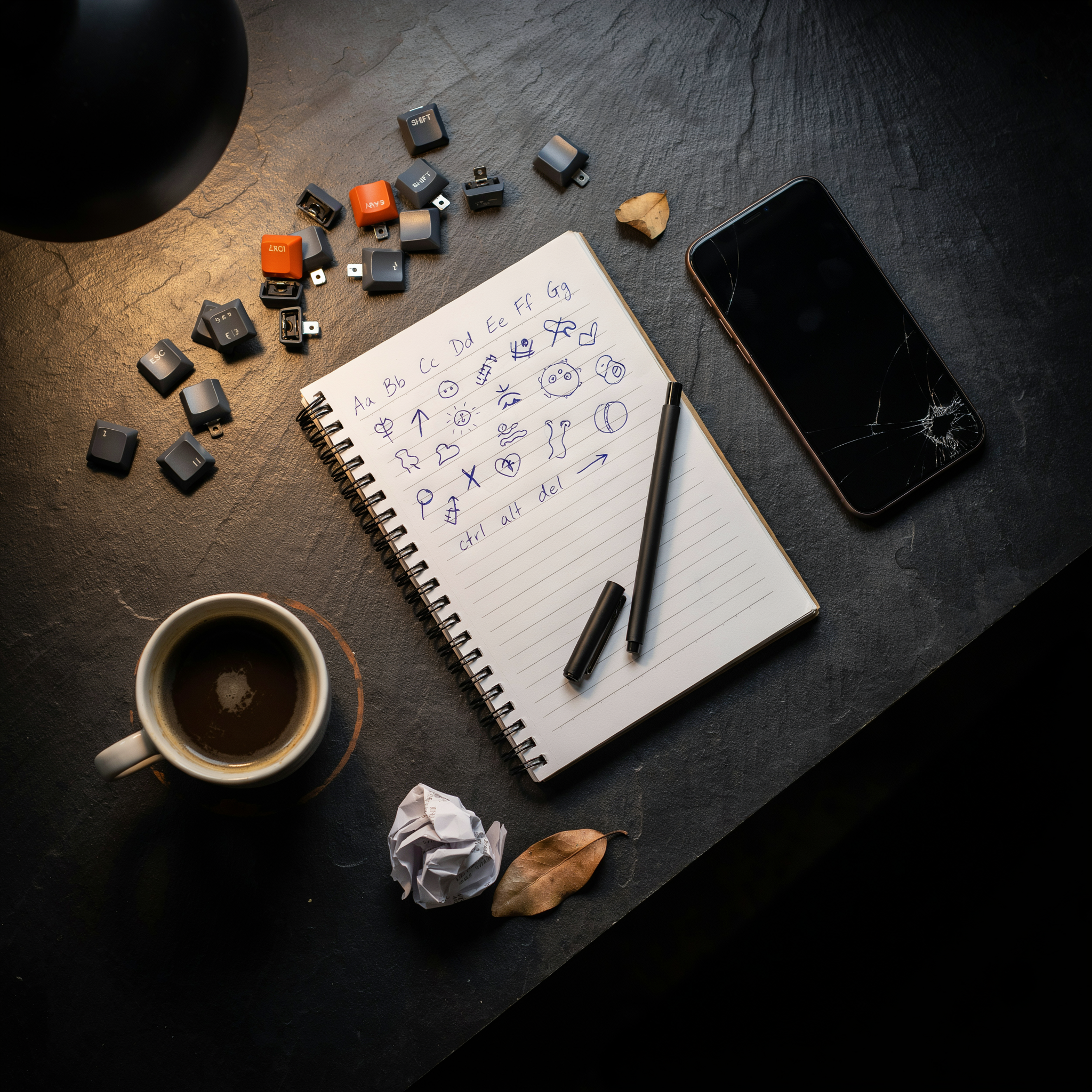
Behind the scenes, a fancy text generator uses Unicode, the global standard that assigns a unique code to every character a device can display. Regular letters like A, B, and C have standard codes, but Unicode also includes thousands of lookalike variants: mathematical bold letters, script letters, circled letters, and letters with decorative strokes. When you type "Alex" into the tool, it finds the Unicode equivalents for A, l, e, and x and builds a styled version that still reads as Alex. Free Fire accepts these characters in the nickname field, which is why the trick works in the first place.
That means you're not installing a custom font or changing the game files. The styled text is just a different set of characters that happen to look fancier. Some devices render certain symbols slightly differently, so a name that looks sharp on one phone can appear boxy on another. A good approach is to test the name in the game's own preview before you lock it in.
Key Takeaways
- A fancy text generator converts plain text into stylized Unicode characters that Free Fire accepts in player names.
- Copy the generated name, paste it into the Free Fire nickname field, and save. No app download or registration is required.
- Bold, cursive, and cool font styles all work in Free Fire, but some symbols may not display on every device.
- Namesforfreefire.com offers organized symbol categories, including Free Fire Symbols Copy and Paste Categories, so you can find crowns, stars, and decorative marks quickly.
- Keep names within Free Fire's character limit and test the name in-game before finalizing.
Why Free Fire Players Use Fancy Text

Free Fire's kill feed is a fast, crowded place. When you knock an enemy, your name flashes on screen for maybe two seconds before the next elimination takes over. A plain name like "Rahul123" disappears into that blur. A name with a bold text generator style or a few well-placed symbols catches the eye instantly, and that split second of recognition matters more than most players expect. It's not about showing off. It's about being seen.
Squad identity is the second reason. When four friends run together, matching fancy text styles create a visual signature that plain names can't. You'll see it in ranked lobbies all the time: a full squad with the same cursive font or the same crown symbol prefix. It signals coordination before the first shot is fired, and in a game where randoms often scatter, that visual cue tells teammates you're a unit.
Personal style is the third and most honest reason. Free Fire gives you a name once, and changing it costs diamonds. So players invest in getting it right the first time. A cool font that matches your playstyle, aggressive or tactical, becomes part of your identity in the game. Some players want a clean, readable name that looks professional in tournament clips. Others want something chaotic and decorative that feels fun. There's no wrong answer, and that's the point. A fancy text generator gives you the range to choose.
There's also a practical angle people don't talk about. When you're playing with strangers from different regions, a name with symbols can help you stand out in voice chat lists and friend requests. It's easier to remember "★Shadow★" than "shadow_2004". And in a game where reputation builds across seasons, a recognizable name is a small but real advantage.
How to Use a Fancy Text Generator Step by Step
Using a fancy text generator takes less than a minute once you know the flow. I'll walk you through it the way I do every time I set up a new Free Fire nickname.
Start by typing your base name into the input box. Keep it simple at first, something like "Raven" or "Blaze". You don't need to add symbols yet. The tool will show you dozens of styled versions instantly, from bold and italic to script and glitch styles. Scroll through and pick two or three that catch your eye before committing.
When you find a style you like, tap the copy button next to it. Most tools copy the styled text to your clipboard with one tap, no registration needed. Then open Free Fire and go to your profile. Tap the edit icon beside your current nickname and paste the copied text into the field. Free Fire accepts most Unicode characters, so the fancy formatting usually carries over cleanly.
One thing I've learned: paste the name into a notes app first. That way you can see exactly how it looks before you spend diamonds on a name change. Free Fire charges for nickname changes, so you don't want to waste a rename on a style that doesn't render properly. If the text looks broken or shows boxes instead of letters, try a different style from the generator.
For players who want symbols mixed in, the same fancy text generator often includes a symbol library. You can add crowns, stars, or arrows around your name after picking the font style. Namesforfreefire.com keeps its symbol categories organized so you can grab a crown or a flame icon without hunting through a wall of characters.
Bold Text Generator Options for Stronger Names
A bold text generator does one thing well: it swaps standard letters for heavier Unicode characters that stand out in the kill feed and lobby list. The most reliable approach uses mathematical bold alphanumerics, a Unicode block where A becomes 𝐀, B becomes 𝐁, and so on. These characters render correctly inside Free Fire because the game's font stack supports them, which is not true for every decorative style.
What makes bold styling useful in a match is visibility. When your name appears after a kill or in the squad panel, bold characters read faster than thin or cursive alternatives. That matters in fast moments when teammates are scanning for your position. A name like 𝐍𝐨𝐯𝐚𝐒𝐭𝐫𝐢𝐤𝐞 is easier to spot than a script-style version of the same word.
There is a trade-off to know. Bold Unicode characters take the same character count as regular letters, so a 12-character limit still applies. If you are already using symbols, adding bold styling does not reduce the space you have left. The practical move is to bold only the core word and keep symbols in regular weight, which keeps the name readable without wasting the limit.
Namesforfreefire.com includes bold text generator options alongside its symbol categories, so you can test how a bold name looks next to a crown or flame icon before copying it into the game.
Cursive Font and Cool Font Styles That Work
Not every cursive font you see online will show up correctly in Free Fire. The game renders Unicode characters from a limited set of scripts, so a cursive style that looks perfect on a website can turn into empty boxes or question marks inside your nickname. The safe approach is to stick with Unicode ranges that Free Fire's font system actually supports.
Script and Fraktur styles are the most reliable cursive options. They map to standard Latin letters, which means the game reads them as normal text while displaying the decorative curves. A name like "Sniper" becomes a flowing, handwritten-looking string without breaking the character limit. Cursive styles built from combining marks or private-use Unicode areas are the ones to avoid, because those glyphs often fail to render on mobile devices.
For a cool font that stays readable, small caps and double-struck styles work well. They keep the letter shapes familiar, so your squad can still recognize your name at a glance. Squiggly or heavily decorated fonts might look impressive in a preview, but they tend to blur together at the small size Free Fire uses in kill feeds and lobby lists.
Before you commit, paste the generated name into a Free Fire name-change screen and check every character. If any letter shows as a blank square, swap that character for a plainer alternative from the same style family. Namesforfreefire.com keeps its cursive and cool font options within the Unicode blocks that Free Fire renders cleanly, which saves you the trial and error of testing broken glyphs one by one.
Adding Symbols to Your Fancy Text Name
Once you have a fancy text style you like, symbols are what make the name feel finished. A crown above the first letter, a star on each side, or a thin border around the whole thing turns a plain nickname into something that stands out in the kill feed. The trick is restraint: one or two symbols usually look sharper than five.
Start with the symbol categories that match your playstyle. Crowns work well for aggressive players who want a royal edge, while stars and hearts suit a lighter vibe. You can browse the full Free Fire Symbols Copy and Paste Categories to see everything in one place, then pick the ones that fit your name's length. Short names handle more decoration; long names get cluttered fast.
For a crown specifically, the Simbol Mahkota - Simbol untuk Free Fire page groups several crown styles together, from simple three-point crowns to more detailed ones. Copy the crown, paste it before your fancy text, and check how it looks in the game's preview. Some crowns render smaller than others, so test a couple before you settle.
Borders are the other half of the equation. A pair of matching brackets or decorative lines on both sides of your name frames it without stealing attention from the text itself. Combine a border with one crown and you get a clean, balanced look that reads well even on a small phone screen.
Character Limits and Compatibility in Free Fire
Free Fire caps nicknames at 12 characters, and that limit counts every symbol, space, and letter you paste in. A fancy text generator output that looks short can still trip the counter because some styled characters are stored as two or more code units. Before you commit to a name, paste it into the game's rename field and watch the character counter, not just your eyes.
Unicode ranges that usually pass the filter include the Latin Extended blocks, combining diacritical marks, and common decorative symbols like stars, crowns, and hearts. The game generally accepts characters from the Free Fire Symbols Copy and Paste Categories page without issue. What tends to get rejected are characters from newer Unicode planes, some emoji, and invisible or zero-width characters that the anti-cheat system flags as spoofing attempts.
If your fancy name gets rejected, strip it back to plain letters first, then add one symbol at a time. That tells you exactly which character is the problem. Some players find that a bold text generator output using mathematical alphanumeric symbols passes while a cursive font using script characters does not. The filter is not consistent across all regions, so what works on one server may fail on another. When in doubt, test a short version before spending rename cards.
Multilingual Symbol Categories for Global Players
Free Fire has a huge international player base, and that shows in the symbol categories people search for. On Namesforfreefire.com we keep dedicated pages for six major languages so players can browse symbols in their own words. The Kategori Simbol Free Fire page groups crowns, stars, and hearts the way Indonesian players actually name them, which makes scanning much faster than hunting through an English list.
Hindi speakers get the same treatment with Free Fire प्रतीक कॉपी और पेस्ट श्रेणियाँ, where every category label appears in Devanagari script. That matters more than you'd think: a player who thinks in Hindi shouldn't have to translate "crown" in their head before tapping a symbol. The Chinese page, Free Fire 符号复制与粘贴分类, does the same for simplified characters, and Vietnamese players can use Danh mục ký hiệu Free Fire sao chép & dán without switching mental gears.
Turkish and Thai round out the set. Free Fire Sembol Kategorileri covers the Latin-alphabet crowd who still want category names in their native language, while หมวดสัญลักษณ์ Free Fire คัดลอกและวาง handles Thai script. Each page uses the same category structure as the main Free Fire Symbols Copy and Paste Categories hub, so if you switch languages mid-session you won't get lost.
One practical tip: when you're building a fancy text name with symbols, pick symbols that render in the language your squad actually plays in. A crown symbol works everywhere, but some decorative characters look different in Thai or Devanagari fonts. Test your final name in the game client before locking it in.
Common Mistakes When Picking a Fancy Name
Most bad fancy names come from the same handful of errors. The biggest one is piling on too many symbols. A name like ꧁༒☬𝕯𝖗𝖆𝖌𝖔𝖓☬༒꧂ looks impressive for about five seconds, then it becomes noise. Other players can't read it, teammates can't call you out in voice chat, and the name stops being a name. It becomes decoration.
Unreadable fonts are a close second. Some bold text generator options push the stylization so far that letters blur together on a phone screen. If someone has to squint to figure out whether that's an "a" or an "o," you've lost them. Stick to styles where every character is still recognizable at a glance.
Copying from unsupported sources causes silent failures. A symbol that renders fine on a website might not be accepted by Free Fire's name field, or it might show up as a blank box in the lobby. Always test the full name in-game before you commit. And watch out for names that trip the profanity filter. Some fancy characters look innocent but map to blocked words or letters in Free Fire's system. A clever-looking name that gets rejected or renamed is worse than a plain one that works.
One more: forgetting that your name has to fit the character limit after styling. Symbols count too, and they eat space fast.
How Namesforfreefire.com Makes This Easier
Most fancy text generator sites make you jump through hoops: sign up, confirm an email, watch an ad. Namesforfreefire.com skips all of that. You open the page, type your base name, and the tool shows you dozens of styled versions instantly. No account, no registration, no waiting.
The copy-paste flow is the part we care about most. Every generated name sits in a box with a copy button next to it. One tap puts the styled text on your clipboard, and you can paste it straight into Free Fire's name field. If a symbol breaks the character limit, you see it immediately and can try a shorter style.
Multi-language support matters more than people expect. Free Fire players in Indonesia, India, Brazil, and Vietnam all want different symbol sets. Namesforfreefire.com offers categories in several languages, so you can browse crown symbols, Arabic-style decorations, or Japanese brackets without guessing what each character means. That saves time when you're trying to build a name that looks clean in the lobby.
We built this tool because we play Free Fire too. A good fancy text generator should feel like a shortcut, not a project. Type, copy, paste, done. That's the whole loop.
Frequently Asked Questions
Will fancy text work in Free Fire?
Yes, most Unicode symbols and styled characters display correctly in Free Fire nicknames. The game supports a wide range of Unicode blocks, so names created with a fancy text generator usually paste in without issues. Some very obscure symbols may show as blank boxes on certain devices.
Does using symbols in my name get me banned?
No. Free Fire allows decorative Unicode characters in nicknames. As long as you're not using third-party mods or cheats, styling your name with symbols and fancy fonts is completely safe. Millions of players use styled names without any account penalties.
How many characters can my Free Fire name have?
Free Fire nicknames have a 12-character limit, and each symbol or styled letter counts as one character. That means a name with several decorative symbols will use up space quickly. Plan your name carefully so the core word stays readable.
Can I use a cursive font in Free Fire?
Yes, cursive-style Unicode characters work in Free Fire. A fancy text generator can convert regular letters into cursive font variants that the game renders correctly. Keep in mind that heavily stylized cursive can be harder to read at small sizes on mobile screens.
Why does my fancy name show as boxes for some players?
Some older devices or regional game versions don't include every Unicode glyph. When a character isn't supported, it appears as a blank box. Sticking to common symbols from a reliable source like Namesforfreefire.com reduces the chance of compatibility problems.