How Unicode Symbols and Fancy Fonts Work in Free Fire
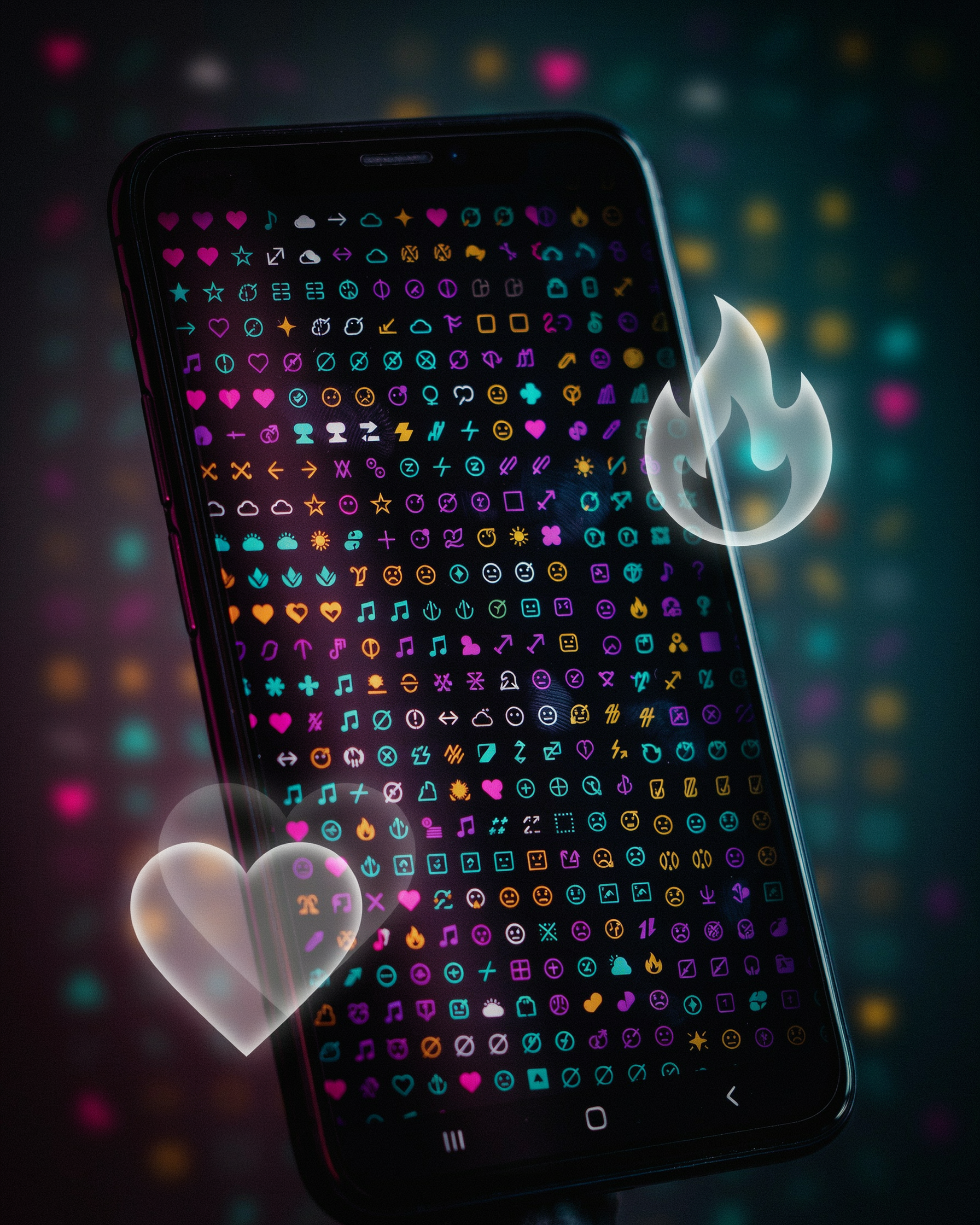
Free Fire doesn't support custom fonts the way a word processor does. A font generator swaps your plain letters for Unicode characters that look like fancy fonts. Unicode is the global standard that assigns a unique code to every character across all writing systems, and it includes thousands of decorative symbols, mathematical letters, and stylized alphabets. When you paste a name like ᏦᎥᏝᏝᎬᏒ into the game, each character is a real Unicode codepoint, not a font file. The game's text engine renders whatever Unicode it can display.
- A font generator swaps plain letters for Unicode characters that look like fancy fonts, not actual font files.
- Free Fire supports many Unicode blocks but not all, so unsupported symbols can show as blank boxes.
- Test your generated name in a custom room before spending a rename card.
- Namesforfreefire.com filters out most broken glyphs and copies with one tap.
- Using a font generator is allowed as long as the name itself follows Free Fire's rules.
That's where the trouble starts. Free Fire's rendering system supports a wide range of Unicode blocks, but not all of them. Characters from common blocks like Latin Extended, Greek, Cyrillic, and many symbol sets show up fine. But some exotic scripts, like certain combining marks or rare emoji, either render as blank boxes or get stripped entirely. A good font generator filters out unsupported characters before you copy the name. If you use a tool that doesn't, you'll end up with a name that looks broken in the lobby.
One thing to keep in mind: Unicode characters are not the same as HTML or CSS fonts. The game doesn't load a custom typeface; it just draws the glyphs that its built-in font already knows. So a "fancy" letter like 𝕊 is actually a mathematical double-struck capital S, not a styled version of the regular S. That's why some symbols appear slightly different in size or weight compared to standard letters. It's also why a name can look perfect in a browser preview but slightly off in the game. Testing your name in the actual Free Fire name field before confirming is always worth the extra minute. You can learn more about how Unicode works from the Unicode Consortium's overview.
Step-by-Step: Using a Font Generator to Create Your Name
Open ff name generator and you'll see a simple text box. Type the base name you want, like "Shadow" or "Raven". The tool instantly shows dozens of styled versions below the box, each using different Unicode symbols and fancy fonts. No registration, no waiting.
Scroll through the list. You'll see styles with crowns, wings, stars, and other decorative characters. Some styles are bold, some are cursive, some are surrounded by brackets or special symbols. Pick the one that matches your vibe. Tap it once and the styled name copies to your clipboard automatically.
Now open Free Fire. Go to your profile, tap the edit icon next to your current name, and paste the copied text. Free Fire allows up to 12 characters for a name, but Unicode symbols count as characters too. If your styled name is too long, go back to the tool and try a shorter base name or a style with fewer symbols.
One thing to watch: some symbols look fine on the website but show as blank boxes in the game. That's why we recommend testing the name in a custom room first. If it displays correctly there, it will show correctly in the lobby and on the kill feed.
Namesforfreefire.com keeps the process fast. You can generate a name in under a minute, and the tool works on mobile browsers just as well as on desktop. That matters when you're changing your name between matches.
Best Free Fonts Free: Styles That Actually Look Good
Most font generators sort their styles into a few predictable families. You'll see cursive scripts, bold outlines, bubble letters, and the ever-popular glitch or zalgo text. Each one changes how your name reads in the lobby, and some are far easier on the eyes than others.
Cursive and handwritten styles are the safest starting point. They keep every letter recognizable while adding a bit of flair. A name like Nova becomes 𝒩𝑜𝓋𝒶 in a script font, and the change is subtle enough that your squad can still read it instantly. Bold outline styles, on the other hand, make a name pop against dark backgrounds. Rex turns into 𝐑𝐞𝐱 or even 🅁🅴🅇 if you want the full block-letter effect.
Bubble and rounded fonts are popular with players who want a playful look. They soften sharp edges and work well for short names. Glitch text, which stacks tiny marks above and below each character, is the most eye-catching but also the most likely to break on older devices. We usually recommend testing a glitch name in a custom room before committing to it.
One thing to remember: the best free fonts free styles are the ones that survive Free Fire's character limits. A name that looks amazing in the generator but gets cut off in the lobby isn't worth the effort. Stick to styles that keep your name under 12 characters when possible, and you'll avoid the most common frustration.
Font Font Free: Avoiding Broken or Invisible Characters
Nothing kills a stylish nickname faster than a blank box where a symbol should be. You copy a fancy name from a font generator, paste it into Free Fire, and half the characters render as empty squares or question marks. That happens because some Unicode symbols aren't supported by the game's font set, especially on older devices or regional builds. A name that looks perfect in a browser preview can fall apart in the lobby.
Stick to widely supported ranges: basic Latin letters, common diacritics, and symbols like stars, hearts, arrows, and simple shapes. Avoid obscure scripts or emoji, which often break. After generating a name, paste it into a plain text editor first. If a character shows as a box there, it will likely fail in Free Fire too. Then test it in a custom room or on a friend's screen before committing your rename card.
Namesforfreefire.com filters out most unsupported glyphs, but no tool can guarantee every device. If a symbol looks off, swap it for a similar one from the symbols page. A clean, readable name beats a broken one every time.
Typeface Generator vs. Lettertype Generator: What's the Difference?
If you've searched for a font generator before, you've probably seen both terms. A typeface generator and a lettertype generator are the same tool. "Lettertype" is simply the Dutch word for font, so a lettertype generator is just a font generator aimed at Dutch-speaking players. Both produce stylish Unicode text you can paste into Free Fire.
The real difference isn't in the name. It's in the tool's reliability. Some generators output characters that look fine in a preview but break in the game, showing as blank boxes or question marks. That's why we stick with font ff tools that test every symbol against Free Fire's actual character support. A good typeface generator should let you preview the name exactly as it will appear in the lobby, not just in a browser window.
When you're comparing tools, check three things: does it offer a live preview, does it copy with one tap, and does it flag unsupported characters? Namesforfreefire.com handles all three, which saves you from pasting a broken name mid-match. The label on the button doesn't matter much. What matters is that the output survives the trip from your clipboard to your profile.
Tips for a Name That Stands Out in the Lobby
Most players overdo it. They stack five different symbols around a short word and end up with a name that looks like a glitch in the kill feed. The best Free Fire names keep one clear idea: a readable core word, one or two decorative symbols, and enough spacing so the eye lands on the letters, not the clutter. We see this every time someone pastes a name from a font generator into the lobby and it renders as a row of boxes.
Start with the core word. Short names read faster in the kill feed, which matters when a teammate calls out your position. If your base name is longer than eight characters, trim it or split it with a single symbol. For example, a name like Raven stays clean with a simple crown on each side, while RavenFireStorm turns into visual noise no matter which font you pick.
Spacing is the underrated trick. A single space between two short words, like Ghost King, reads better than GhostKing in most fonts. Some symbols, like the small superscript letters, work better as a suffix than a prefix because they don't push the main word off-center. Test your name in the actual lobby preview, not just the generator screen. What looks balanced in a browser can shift once Free Fire applies its own character scaling.
Readability beats rarity. A name with three obscure Unicode characters might be unique, but if your squad can't type or say it, you've lost the point. Keep the first and last characters as normal letters so the name doesn't blend into the background. And remember, a font generator is a tool, not a personality. The name still has to sound like you when someone says it out loud.
Is It Allowed? Free Fire's Rules on Special Characters
Garena's official stance on special characters in Free Fire nicknames is not a blanket ban. The game supports Unicode, which is why a ff name generator can produce fancy symbols and fonts that display correctly in the lobby. What gets players into trouble is not the style itself but the content: offensive language, impersonation, or names that try to bypass chat filters. Keep your name clean and you're generally fine.
We've seen players worry that using a font generator might trigger an automatic ban. That's not how it works. Free Fire's naming system doesn't scan for Unicode characters as a violation. It scans for prohibited words and patterns. A stylish name like "Sʜᴀᴅᴏᴡ⚡" is no more risky than "Shadow" as long as the underlying text is appropriate. The risk comes from what you type, not how you type it.
One practical rule: avoid characters that render as blank boxes on some devices. If your name uses an obscure symbol that doesn't display on your friend's phone, it can look broken and might draw reports. Stick to widely supported Unicode ranges, the same ones a symbols page lists. Those are safe across Android and iOS.
Also, don't try to impersonate Garena staff or use names that suggest you're a moderator. That's a fast path to a forced rename. And remember, Free Fire's rules can change, so if a name suddenly stops working after an update, it's usually a font support issue, not a ban. Test your name in a custom room before committing to it.
Why Namesforfreefire.com Is Our Go-To Tool
We keep coming back to Namesforfreefire.com because it removes every small annoyance that other tools pile on. No registration, no email wall, no waiting for a download. You open the page, type a base name, and the tool shows you dozens of styled versions using Unicode symbols and fancy fonts. One tap copies the result to your clipboard, and you can paste it straight into Free Fire's name field.
The site supports multiple languages, which matters when you want a name that mixes scripts or uses characters from a language you actually speak. The character preview is honest: what you see is what the game will render. That saves you from the classic heartbreak of a name that looks perfect in a browser but turns into blank boxes in the lobby.
We also like that Namesforfreefire.com doesn't try to upsell you or push a premium tier. The free tool does what it promises, and the copy-paste flow works on mobile and desktop without any fiddling. For a quick, reliable ff name generator that respects your time, it's the first tab we open.
Frequently Asked Questions
Can I use a font generator for my Free Fire name without getting banned?
Yes, in most cases. Free Fire allows Unicode symbols and special characters in names as long as they don't violate community guidelines. Avoid offensive symbols or excessive clutter. Namesforfreefire.com filters out problematic characters, so you're less likely to run into issues.
Why do some fancy fonts show as blank boxes in Free Fire?
Some Unicode characters aren't supported by the game's font rendering engine. If you see boxes or question marks, the character isn't recognized. Stick to common Unicode ranges like Latin extended, Greek, and Cyrillic. Our tool only includes symbols that render correctly in Free Fire.
How many characters can a Free Fire name have?
Free Fire names can be up to 12 characters long, including spaces and symbols. A font generator helps you pack style into that limit by using single Unicode characters that look like two or three letters. Count carefully before you save.
Can I change my Free Fire name for free?
Yes, but you need a Name Change Card, which you can get from events, the store, or level rewards. The card costs diamonds if you buy it directly. Once you have one, paste your generated name into the profile edit screen and confirm.
Does a font generator work on all devices?
Yes, because it produces plain Unicode text that you copy and paste. It works on Android, iOS, and emulators. The only requirement is that your device can copy text to the clipboard. No app installation is needed.