Key Takeaways
- A font generator lets you instantly transform plain text into stylish, eye-catching designs for your Free Fire profile, no design skills needed.
- You can browse hundreds of font styles and copy your favorite with one click, making your in-game name stand out in lobbies and kill feeds.
- Many tools offer fonts free fonts for personal use, so you can experiment with different looks without spending a dime.
- Using a lettertype generator is safe and simple: just type, pick a style, and paste it directly into the game's name change screen.
- We'll show you step-by-step how to use our ff name generator to create a unique identity that reflects your playstyle.
What Is a Font Generator and How Does It Work?
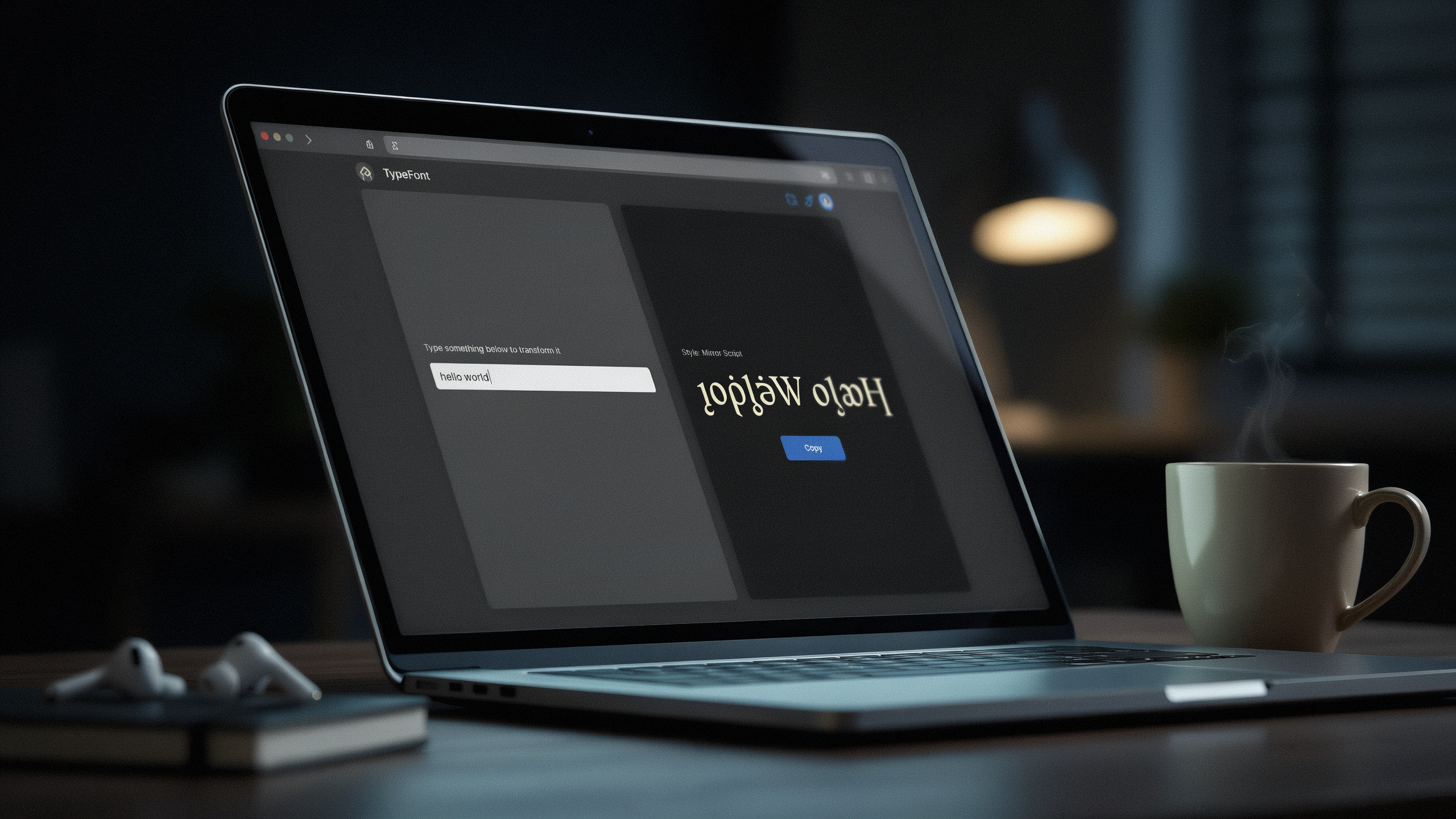
A font generator is a simple online tool that transforms plain text into stylish, decorative characters. When I type a normal word like "Phoenix" into one, it instantly shows me dozens of variations: bold, italic, cursive, gothic, bubble letters, and even symbols like stars or arrows. The magic happens because the tool swaps each letter with a matching Unicode character that looks fancy but still reads as the original letter. For example, the letter "A" might become "𝓐" or "𝐀" or "🅐", all of which are real characters that computers and phones can display. This is why the styled text works in Free Fire, Instagram, WhatsApp, and almost anywhere you can paste text.
I love that a font generator works on any device: my phone, tablet, or laptop. There's no app to install and no sign-up required. I just visit a site like ff name generator, type my text, and copy the style I want. The whole process takes seconds. Because the output is plain Unicode text, not an image, the styled name stays crisp and clear even on small screens. This makes it perfect for customizing my Free Fire profile, where a unique name helps me stand out in the lobby and on the battlefield.
Under the hood, a font generator uses a database of Unicode glyphs that resemble Latin letters. When I pick a style, the tool maps each character in my input to the corresponding fancy version. Some styles are complete alphabets, while others mix in symbols or diacritics. The best generators update their libraries often, so I always find fresh looks. Whether I want a sleek minimalist font or a flashy name with crowns and flames, the generator handles the conversion instantly. It's a clever trick that turns boring text into eye-catching art without any design skills.
Why Free Fire Players Need a Font Generator
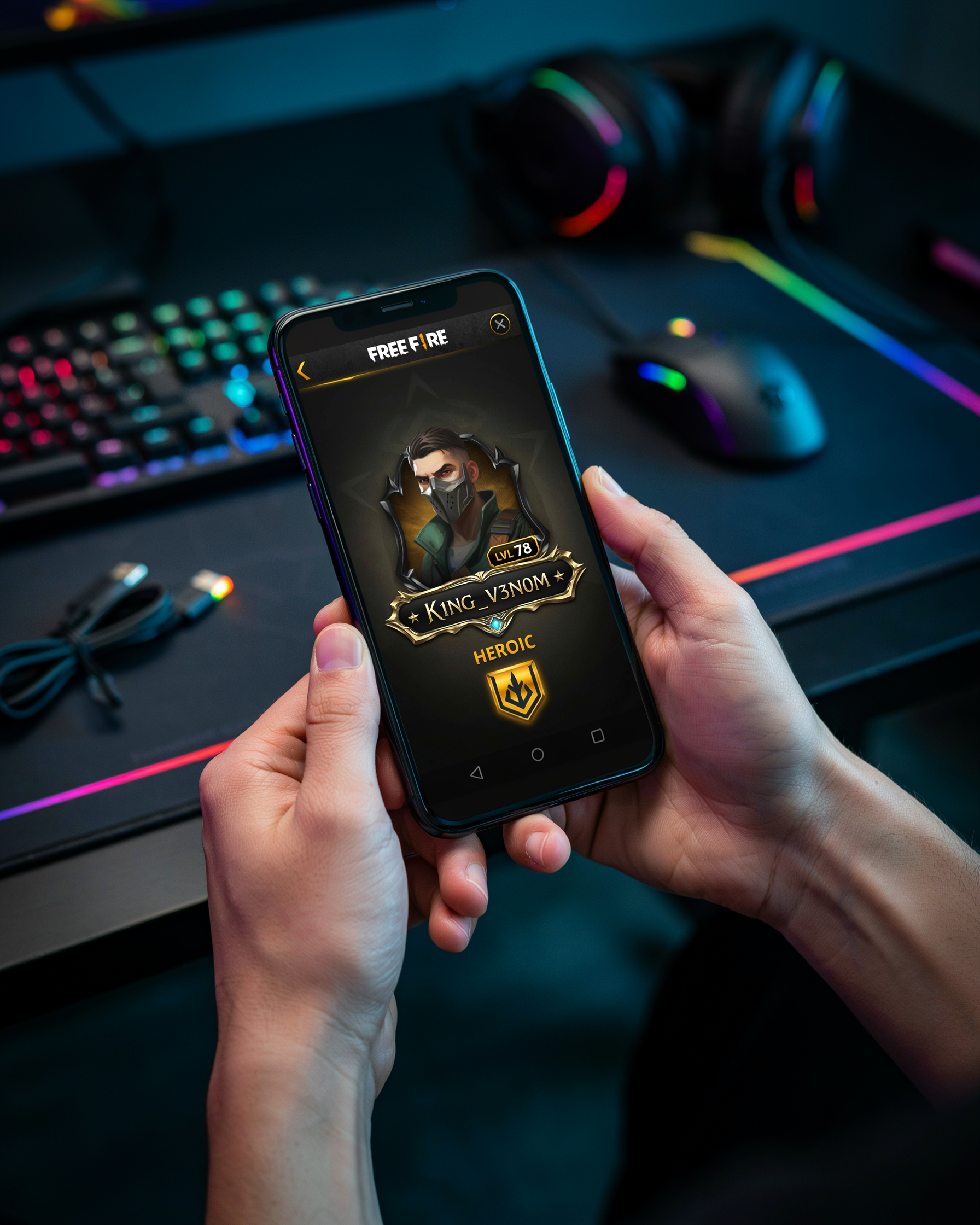
In Free Fire, your name is the first thing other players see, and a generic one just blends into the lobby. I've spent countless hours tweaking my own IGN, and a distinctive font style font makes you instantly recognizable. When you drop into Bermuda or Purgatory, a stylized name signals that you're not just another random squad filler; it gives you an identity that sticks in people's minds after a clutch 1v4.
Beyond recognition, there's a psychological edge. A bold, unusual name can intimidate opponents before the match even starts. I've seen players hesitate when they spot a name with sharp symbols or a glitch effect, assuming the person behind it is a seasoned veteran. It's a small mind game, but in a battle royale where confidence matters, every advantage counts. Plus, with millions of players worldwide, finding an untaken name is tough. A font generator lets you create something unique without resorting to random numbers or underscores, so you can stand out while keeping your preferred base name.
How to Use a Font Generator for Your Free Fire Name
I remember the first time I tried to make my Free Fire name look cool. I typed my usual name into a ff name generator and suddenly I had dozens of stylish options. The whole process took less than a minute, and I'll walk you through it step by step.
First, open the font generator on your phone or computer. I use the one at namesforfreefire.com because it loads fast and shows the styles instantly. In the text box, type the name you want to customize. It can be your real name, a gaming alias, or even a funny phrase. The tool works with any text you enter.
As soon as you type, the font generator displays a list of styled versions of your name. You'll see fancy scripts, bold outlines, symbols, and even upside-down text. Scroll through the options and pick the one that matches your vibe. I usually go for a sleek, aggressive style because it stands out in the kill feed.
Once you find a style you like, tap or click the copy button next to it. On most tools, including the one I mentioned, it copies the styled text to your clipboard automatically. Then open Free Fire, go to your profile, and tap the edit icon next to your name. Paste the copied text into the name field and save. That's all there is to it.
One thing I learned the hard way: some special characters may not display correctly in Free Fire. If your name shows up as blank boxes, try a simpler style from the font generator. The tool usually offers dozens of variations, so you'll find one that works. Also, keep in mind that Free Fire has a character limit for names, so very long styled text might get cut off.
Using a font generator is the quickest way to get a unique name without downloading any apps. I've changed my name several times using this method, and it always works smoothly. Just remember to copy the exact styled text and paste it carefully. A small mistake can leave you with a name you didn't want, and changing it again might cost diamonds.
Exploring Different Font Styles for Your Profile
When I first started customizing my Free Fire name, I was surprised by how much a simple style change could transform my whole profile vibe. A font generator gives you access to dozens of font styles that go far beyond the standard in-game text. Bold fonts make your name stand out in the kill feed, while cursive scripts add a touch of elegance that catches the eye during squad introductions. Gothic lettering, with its sharp, medieval feel, can make your IGN look intimidating before the match even starts. Each style carries its own personality, and picking the right one is like choosing your character's outfit before a big tournament.
I've tested countless combinations, and mixing styles rarely works. Stick to one cohesive look per name. For example, a bold sans-serif style screams confidence and is easy to read even on smaller screens. Italic fonts give a sense of speed and movement, which fits perfectly if you play aggressively. Cursive and script styles are trickier because some characters may not render correctly in Free Fire, but when they do, they look incredibly unique. I always preview my name in the ff name generator before committing, because what looks good on a website might not display properly in the game lobby.
Another thing I learned is that not all font styles are created equal. Some generators offer decorative styles with hearts, stars, or underlines, which can make your name feel more personal. However, these extras sometimes cause glitches in friend requests or clan invites. My advice is to prioritize readability over flair. A clean, bold font with a subtle shadow effect often performs better than an overly ornate one. The key is to match the style to your in-game persona: a sniper might prefer a sleek, minimalist look, while a rusher could go for something loud and aggressive. The right font style doesn't just decorate your name; it communicates who you are before you even fire a shot.
Free Fonts and Where to Find Them
When you hear "fonts free fonts" in the context of a font generator for Free Fire, it's important to understand what that really means. Unlike downloading a .ttf or .otf file to install on your computer, the fonts you see in a font generator aren't traditional downloadable assets. Instead, the tool taps into the vast library of Unicode characters that your device already supports. Every fancy "A" or stylized "B" is simply a different Unicode symbol that looks like a regular letter but carries its own unique code point. This is why you can copy the generated text and paste it directly into your Free Fire name field without installing anything new.
The concept of "free fonts free" is central here. You're not paying for a font file or a license. The generator provides a visual preview of how your name would appear using various Unicode ranges, such as mathematical alphanumerics, circled letters, or fullwidth forms. These are all built into modern operating systems, so they render correctly on most devices. When you explore a site like ff name generator, you're essentially browsing a curated collection of these Unicode styles, not downloading a new typeface. This distinction is key because it means you can achieve a unique look without any risk of malware or complex installation steps.
For Free Fire players, this approach offers a practical advantage. You can experiment with dozens of styles instantly, and if one doesn't display well in the game, you can simply try another. The generator handles the technical side, converting your plain text into the corresponding Unicode symbols. So while you might come across terms like "fonts free fonts" or "free fonts free" in your search, remember that the real value lies in the seamless, no-download process that a good font generator provides. For more on how Unicode works, check out Unicode's official FAQ.
Lettertype Generator: A Different Name for the Same Tool
When you see the term lettertype generator, you're looking at the exact same tool as a font generator. The phrase comes from Dutch, where "lettertype" means "font," and it's commonly used by players across Europe and Southeast Asia. I've noticed that many Free Fire communities use it interchangeably, especially when searching for ways to style their in-game names. Whether you call it a font generator or a lettertype generator, the function is identical: you type your text, and the tool converts it into a variety of stylish Unicode characters that the game supports. This is particularly handy because Free Fire doesn't allow custom fonts, so these generators rely on symbol sets that the system recognizes. The next time you see a teammate with a fancy name, they probably used a ff name generator that works on the same principle as a lettertype generator. So don't get confused by the different name; it's just another way to access the same creative possibilities for your profile.
Tips for Choosing the Perfect Free Fire Name
I've spent countless hours tweaking my own Free Fire name, and a great name is about more than just picking a cool font. A font generator gives you the visual flair, but the name itself needs to be memorable and easy to read in the heat of a match. Here are my top tips for creating a name that stands out for all the right reasons.
First, keep it short. Long names get cut off in kill feeds and on the scoreboard, so aim for 8 to 12 characters. If you're part of a squad, using a clan name generator can help you and your teammates find a unified tag that fits within that limit. A short, sharp name is easier for other players to remember and type when they want to add you.
Readability is just as important as style. I've seen players use a font generator to create names that look amazing in the preview but turn into a mess of unreadable symbols on a smaller screen. Always test your name in the game's actual font preview before you commit. If your friends can't read it, you'll just be "that guy with the weird name."
Finally, combine symbols with purpose. A single star or crown can frame your name without overwhelming it. I like to use a font generator to style the main text and then add one simple symbol at the start or end. This keeps the name clean while still giving it that custom feel. Avoid stacking too many symbols, because they can make your name look cluttered and hard to search for in the friends list.
Common Mistakes to Avoid When Using a Font Generator
I've seen plenty of players get excited about a fancy style only to find it doesn't work in the game. One big mistake is picking a font that's too complex. Free Fire doesn't support every Unicode character, so a name that looks great on a font generator site might show up as blank boxes or question marks in your profile. Always test a style in a custom room or on a friend's screen before you commit to it.
Another common error is using too many symbols. A name like "🔥⚔️Sniper⚔️🔥" might look cool, but it can be hard for teammates to read or even tag you in chat. I recommend sticking to one or two decorative elements so your name stays readable and still stands out. Overloading with symbols also increases the chance that some characters won't render properly on all devices.
Finally, be careful about where you generate your text. Some sites are packed with ads or try to install unwanted software. I always use a trusted ff name generator that I know is safe and built for Free Fire players. Avoid copying styles from random forums or video descriptions, because those often contain hidden characters that can get your name flagged or reset by the game's anti-cheat system. A clean, simple style from a reliable tool is always the safer choice.
Frequently Asked Questions
Can I use a font generator to create a stylish name for Free Fire?
Yes, a font generator is the easiest way to create a stylish Free Fire name. You type your desired name, browse the generated font styles, and copy the one you like. Then paste it into the game's name-change field. The process takes seconds and requires no technical skills.
Are the fonts from a font generator compatible with Free Fire?
Most font generators produce Unicode text that Free Fire supports. However, some special characters may not display correctly in the game. Our ff name generator tests styles to ensure compatibility, so you can confidently use the generated names without issues.
Do I need to download any software to use a font generator?
No, a font generator works entirely online. You visit the website, enter your text, and copy the result. There's no download or installation required, making it safe and convenient for mobile gamers who want a quick name update.
Can I use a font generator for my Free Fire clan name?
Absolutely. A font generator can style your clan name just like a personal name. If you need ideas, our clan name generator helps you create a unique and stylish clan identity that stands out in the game.
Is it safe to use a font generator for my game account?
Using a font generator is safe because it only changes the display text, not game files. It doesn't access your account or violate Free Fire's terms of service. Stick to reputable sites like ours to avoid any risks.