What Is a Font Generator and Why Free Fire Players Love It
A font generator is a simple online tool that transforms plain text into stylish, eye-catching designs using special Unicode characters. It's the fastest way to give your Free Fire name some personality in the lobby. Instead of the usual boring letters, you can use cursive, bold, or even glitch-style text that makes your profile stand out instantly.
For Free Fire players, a font ff tool is a way to express personality, intimidate opponents, or simply look cooler than the default names everyone else uses. When you drop into a match with a name styled in fancy symbols, it sends a message before the game even starts. Clan leaders often use a clan name generator combined with custom fonts to create a unified, professional look for their entire squad. That helps with recognition and team identity.
The best part is that these generators are completely free and work instantly. You type your desired name, pick a style you like, and copy the result directly into the game. No downloads, no complicated settings. Just a quick way to upgrade your in-game presence and feel more connected to your character.
Key Takeaways
- A font generator instantly transforms plain text into stylish Free Fire names using Unicode symbols and special characters.
- You don't need any design skills or software, just type, pick a style, and copy the result directly into your game profile.
- Most generators are completely free, with no sign-up required, making them accessible to every player.
- Popular styles include cursive, bold, gothic, and glitch text, each helping your name stand out in lobbies and kill feeds.
- Always test your chosen style inside Free Fire to ensure full compatibility, as some characters may not display correctly on all devices.
How a Font Generator Works: The Simple Tech Behind the Magic
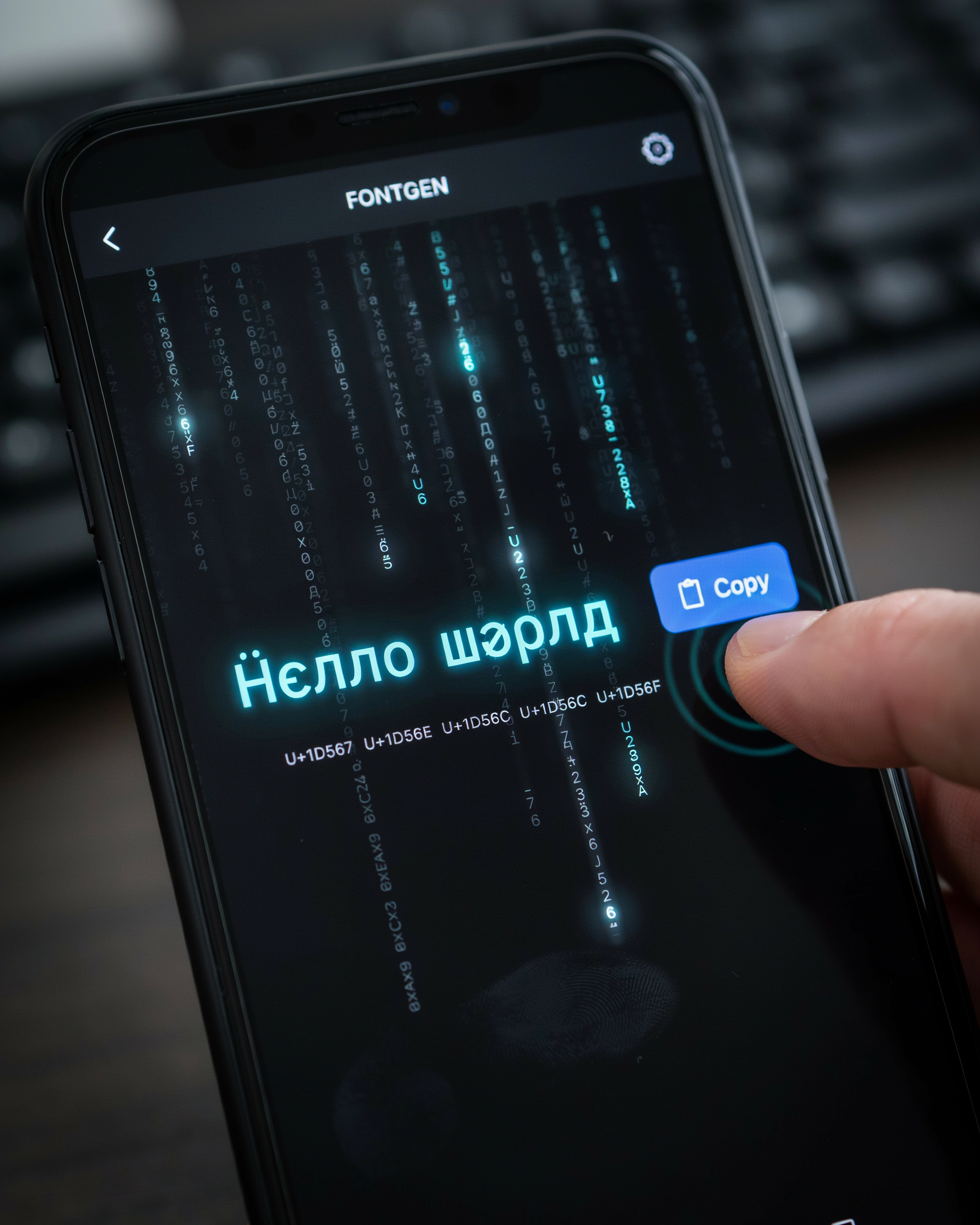
When you type your name into a ff name generator, the tool doesn't actually switch fonts the way a word processor does. Instead, it taps into the Unicode standard. That's a massive library of characters that includes not just the usual A to Z letters, but thousands of stylized mathematical symbols, script variants, and decorative glyphs. Every stylish "a" you see is really a different Unicode character that just happens to look like a fancy version of the letter you know.
This is why a font ff tool works so well inside Free Fire. The game's text system already supports Unicode. When you paste a converted name into your profile, the server reads each symbol as a valid character. There's no special software to install and no risk of breaking the game's rules. You're using characters that are already part of the global text standard. The generator simply maps each plain letter to one or more Unicode lookalikes, giving you dozens of font styles in a fraction of a second.
Behind the scenes, the process is lightning fast. The generator holds a database of Unicode mappings for every letter, number, and common symbol. When you hit convert, it loops through your input text, swaps each character for its stylized counterpart, and assembles the result into a single string you can copy. That's the whole secret. No fonts are downloaded, no images are created, and nothing changes on your device. It's pure text transformation that works everywhere, from your clan name generator to your in-game nickname. For more on how Unicode works, check out the Unicode Consortium's official site.
Step-by-Step: Using a Font Generator for Your Free Fire Name
Using a ff name generator is the fastest way to get a stylish identity. The process is straightforward, but a few small tricks make a big difference on mobile. Here's exactly how to do it.
- Open the font generator on your phone. Namesforfreefire.com loads quickly even on a spotty 4G connection. The interface is built for thumbs, so you won't be pinching and zooming.
- Type your base name into the text box. This is the name you want to style, like "Joker" or "SniperKing." Keep it short. Free Fire has a 12-character limit for names, and some fancy fonts take up more visual space.
- Browse the generated font styles. The tool instantly shows dozens of options: bold, italic, cursive, glitch, and even symbol-filled designs. Scroll slowly. Some styles look great in the preview but break inside the game.
- Tap your favorite style to copy it. On most phones, a single tap copies the styled text to your clipboard. If that doesn't work, long-press and select "Copy." Double-check that the entire name was copied, especially if it includes special characters at the edges.
- Paste it into Free Fire. Open the game, go to your profile, and tap the edit icon next to your name. Long-press the text field and choose "Paste." You'll see the styled name appear. If it shows blank boxes or question marks, that style isn't supported. Go back and pick a simpler one.
One common mistake is using a font with invisible spaces or zero-width characters. Those can make your name unreadable in friend lists or even trigger a rename card error. Stick to styles that use standard Unicode symbols. Most font ff tools label these as "game compatible." If you're creating a squad identity, you can use a clan name generator to style your whole team's tags consistently.
After pasting, play a quick match to see how the name looks in the kill feed and lobby. Sometimes a font that seemed cool in the generator becomes hard to read against bright backgrounds. If that happens, just repeat the steps with a cleaner style. The whole process takes less than a minute once you know your way around the font generator.
Popular Font Styles for Free Fire: From Cool to Cursive
When customizing a Free Fire name, the range of font styles available through a good ff name generator is impressive. The right style can make your name pop in the lobby and intimidate opponents before the match even starts. A few styles consistently stand out as player favorites.
Bold fonts are the go-to for anyone who wants their name to feel powerful. The thick, heavy strokes demand attention on the kill feed and make your presence known. Bold styles work especially well with short, aggressive names like "Reaper" or "Ghost" because every letter hits hard. Italic styles add a sense of speed and motion. That fits the fast-paced vibe of Free Fire perfectly. A slanted name feels dynamic, as if you're already sliding into action.
Cursive and script fonts bring a touch of elegance that contrasts sharply with the chaos of battle. A cursive name like "Serenity" popping up after a headshot is unexpected. These styles mimic handwriting and often include flowing loops and swashes. Your name looks like a signature. Gothic or blackletter fonts are another huge hit, especially among players who want a dark, medieval vibe. The ornate, angular letters feel ancient and mysterious. That pairs well with edgy usernames.
Symbol-based styles are where things get really creative. Many players use a font ff tool to add crowns, wings, or skulls around their names. These tiny icons act like badges of honor. They can signal your status in a clan or just your personal flair. Names surrounded by stars, hearts, or even tiny swords always catch the eye in the pre-match screen.
Choosing a font style font that matches your in-game persona is half the fun. Try a few different looks before you settle. What looks cool in a preview might not hit the same way on the battlefield. A good font generator lets you experiment without any risk, so you can find the style that truly represents you.
Free Fonts Free: Where to Find the Best Styles Without Paying
The best ff name generator options are completely free. You don't need to pay a single rupee to get a stylish name. The web is full of free fonts free resources that let you copy and paste cool text directly into Free Fire. When customizing an in-game name, it's surprising how many fonts free fonts are available without any hidden costs. The key is knowing where to look and how to spot the genuine free tools.
Many sites advertise free services but then lock the best styles behind a paywall. Always check if the font ff tool lets you preview and copy the text without asking for an email or payment. A legitimate font generator will never charge you for basic Unicode conversions. The technology behind these tools is simple. There's no reason for a site to demand money. If a site asks for credit card details, close the tab immediately. Stick to well-known platforms like namesforfreefire.com, which works without ever hitting a paywall.
Another tip: avoid sites that bundle the font generator with unrelated downloads. Some shady pages try to install toolbars or apps on your device. A clean, free tool will work entirely in your browser. You should be able to type your name, see the styles, and copy the result in seconds. Check user reviews or community posts. Free Fire players on YouTube and Discord often share their favorite clan name generator links. These are usually safe bets. Remember, the best things in life are free. That includes a killer in-game name.
Compatibility: Will Your Stylish Name Show Up in Free Fire?
Testing ff name generator outputs across Android, iOS, and even emulators shows that Free Fire handles Unicode text surprisingly well. Most modern devices, whether you're on a budget phone or the latest flagship, can render the fancy letters and symbols that a font ff tool produces. The game engine itself relies on system fonts. If your device normally shows emojis and special characters in other apps, your stylish name will almost certainly appear correctly in the lobby, kill feed, and profile screen.
However, there are a few edge cases worth knowing. Very old Android versions (think Android 5 or earlier) sometimes replace missing glyphs with blank boxes. Certain custom ROMs strip out the extended Unicode ranges that a font generator uses. Rare instances occur where a symbol looks perfect in the clan name generator preview but turns into a space or a question mark inside the game. The safest approach is to stick with widely supported characters. Latin-based fancy letters, basic geometric shapes, and common arrows almost never fail. Obscure scripts or complex emoji sequences are riskier.
Before you commit to a name change, do a quick test. Paste your styled text into the in-game chat or a clan announcement first. If it displays correctly there, you're good to go. You can also ask a friend to check your profile from their device. What renders on your screen might not match theirs. With a bit of caution, the font styles you love will shine in every match.
Creative Tips to Make Your Free Fire Name Stand Out
Once you've experimented with a basic ff name generator, the real fun begins when you start mixing elements to create a name that's unmistakably yours. The best names balance flair with clarity. The goal is to catch eyes in the lobby without making your name impossible to read during a match.
One effective trick is to combine two different font styles within the same name. For example, you might use a bold, blocky style for the first part of your name and a sleek, cursive style for the last part. A font ff tool that supports multiple styles lets you preview these combinations side by side. Just be careful not to overdo it. Sticking to two contrasting styles usually works better than a chaotic mix of five.
Symbols and special characters can add personality, but they're easy to misuse. A single well-placed star, arrow, or crown can frame your name beautifully. A string of random symbols makes it look spammy. Ask yourself: does this symbol add meaning or just noise? If you're building a name for a squad, using a shared symbol can create a subtle team identity without needing a full clan name generator.
Readability should never be sacrificed for style. Some of the most impressive names use simple, clean letters with just one decorative flourish, like a curved underline or a single accent character. Before you lock in your choice, test it in a few different Free Fire screens: the lobby, the kill feed, and the end-of-match scoreboard. If you can't read it quickly in those contexts, it's time to simplify. A name that looks cool but confuses your teammates isn't doing its job.
Common Mistakes to Avoid When Using a Font Generator
Even the best font generator can trip you up if you rush. One common slip is pasting a name full of invisible control characters. Some tools wrap text in zero-width spaces or left-to-right marks that look blank but break the name in-game. Always paste the output into a plain text editor first, then copy from there. That strips any hidden formatting and keeps the name clean.
Another headache is using characters that Free Fire simply doesn't support. Many generators pull from Unicode blocks like Mathematical Alphanumeric Symbols. Garena's chat and name system only renders a subset. If you see boxes or question marks after applying a style, try a simpler variant from the same generator. Sticking to basic Latin, Cyrillic, or common symbol ranges gives you the best shot at compatibility.
Length limits also catch players off guard. Free Fire caps names at around 12-16 characters depending on the region. Some fancy fonts expand a single letter into a multi-byte sequence. What looks like 10 glyphs might actually be 20 bytes. The game will truncate it. Test with a shorter base name first, then add flair one character at a time. If the name gets cut off, drop a symbol or switch to a narrower font style.
Finally, avoid overloading your name with too many effects. A font generator can layer bold, italic, and script styles. A cluttered name becomes illegible on a small mobile screen. Pick one standout element, like a cursive first letter or a single wingding symbol, and keep the rest clean. Your squad will thank you when they can actually read your name during a clutch moment.
Frequently Asked Questions
Is using a font generator safe for my Free Fire account?
Yes, using a font generator is completely safe. These tools only convert your text into Unicode symbols that the game recognizes as standard characters. There's no risk of a ban. They don't interact with the game client at all.
Will my stylish name show up correctly in Free Fire?
Most Unicode symbols display correctly in Free Fire. Some rare characters may appear as blank squares. Test your name in the game's profile screen before finalizing it. Stick to common symbols from a reliable font generator to ensure full compatibility across devices.
Can I use a font generator on mobile and PC?
Absolutely. Font generators work on any device with a browser, including Android, iOS, and desktop. You can use your phone to create names on the go, then copy and paste them directly into Free Fire. The process is identical across platforms.
Are there any free font styles I can use without downloading anything?
Yes, there are many free fonts free of charge available online. A good font generator offers dozens of styles like cursive, bold, and glitch text without any downloads. Look for sites that let you preview the font style font in real time before copying it.
What if my name looks different on other players' screens?
This can happen if the other player's device doesn't support certain Unicode characters. To avoid this, choose symbols that are widely supported, like those from the Latin or Greek blocks. A quality font generator usually filters out problematic characters to ensure your name looks consistent everywhere.