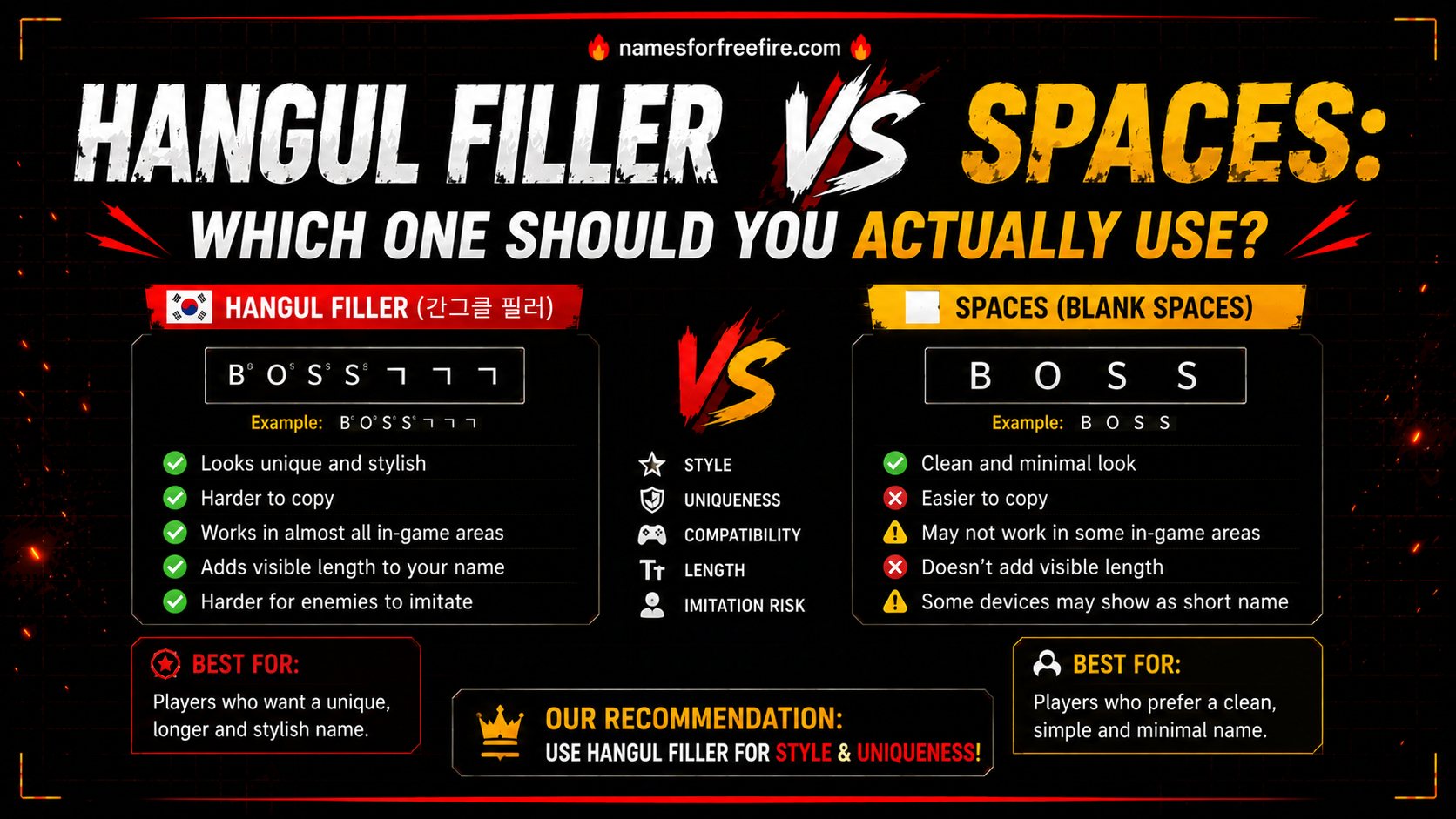
If you have ever tried to create a blank username, send an empty message, or add invisible spacing to a bio, you have probably run into two options: a regular space and something called the 'hangul filler vs spaces' debate. They look identical on screen. They behave completely differently behind the scenes.
Most people pick whichever one works first and never think about it again. But if you are doing this across multiple platforms – Discord, Free Fire, Instagram, and WhatsApp – understanding the actual difference saves a lot of frustration and failed attempts.
This guide covers what each one does, where each one works, and when to use which.
What Exactly Is Hangul Filler and Why Does It Exist?
The hangul filler character was not created for invisible usernames or blank messages. It comes from the Korean writing system – Hangul – where it originally served as a placeholder inside syllable blocks. Korean characters are built from components: an initial consonant, a vowel, and sometimes a final consonant. When one of those positions is empty, the filler holds the space.
That original purpose is mostly obsolete in modern Korean text processing. But the character survived in Unicode, specifically at code point U+3164, and people started noticing something interesting about it.
Platforms that strip regular spaces from usernames left U+3164 alone. That happened because the character is technically classified as a letter, not a space. Validation systems that reject blank fields check for spaces and zero-width characters. They rarely check for Korean language fillers. So the character slips through.
That quirk turned a forgotten typography placeholder into one of the most widely used invisible characters on the internet.
Hangul Filler vs Spaces: What Is the Real Difference?
This is where most explanations go vague. Here is the direct version.
A regular space (U+0020) is classified as whitespace. Platforms know exactly what it is. Most apps trim spaces from the start and end of usernames automatically. If you try to create a username that is nothing but spaces, the system rejects it as empty.
The Hangul filler vs spaces distinction comes down to one thing: classification. U+3164 is a letter. Not a space, not a formatting character — a letter that happens to be invisible. Platforms see it as real text content. The field passes validation. The username saves. The message sends.
Here is a quick side-by-side comparison:
| Feature | Regular Space (U+0020) | Hangul Filler (U+3164) |
| Character type | Whitespace | Letter |
| Trimmed from usernames | Yes — almost always | No — treated as real text |
| Passes empty field validation | No | Yes |
| Visible on screen | No | No |
| Works in Free Fire | Inconsistent | Yes — highly reliable |
| Works in Discord | Gets stripped | Works in most cases |
| Works in Word / text editors | Yes | Yes — renders as blank space |
The U3164 character wins in almost every practical use case where you need invisible content that stays invisible and does not get removed.
Is Hangul filler better for aesthetic use cases?
Yes — and this is probably why most people searching this topic ended up here. Hangul filler for aesthetic purposes has become increasingly common across gaming profiles, social media bios, and messaging apps.
The appeal is straightforward. You get clean spacing, blank lines between text sections, or an empty name or message, and none of it gets auto-corrected, flagged, or stripped the way regular spaces often are.
A few common aesthetic uses that work reliably with U+3164:
- Creating blank lines in Instagram bios between text sections
- Making an empty Discord display name that shows nothing
- Adding invisible padding around a Free Fire name with symbols
- Sending a message that appears blank on WhatsApp
- Creating the appearance of floating text with strategic invisible spacing
Regular spaces fail at most of these because platforms know what spaces are. The Hangul filler symbol slips through precisely because most platforms have no specific rule against Korean language characters.
How Does U+3164 Behave in Text Editors?
Hangul filler in text editors behaves slightly differently depending on the software. Understanding this matters if you are working with the character in writing, coding, or document editing.
In Microsoft Word, U+3164 renders as a blank character with a smallwidth, roughly the width of a standard Hangul character. You can click on it, select it, and delete it. It does not show up as visible text, but it takes up a tiny amount of horizontal space. Spell check generally ignores it.
In VS Code and most code editors, the character shows as a very subtle blank gap. Some editors with Unicode awareness will flag it or show a placeholder symbol, but standard editors display nothing. This has security implications in code; a U+3164 in text within a variable name is technically valid in many programming languages and visually undetectable.
In plain text files and most web forms, it behaves like an invisible letter, present in the data, invisible to the reader.
If you are using it purely for spacing or aesthetic purposes in documents, it works cleanly. Just be aware that searching for the character later requires copying and pasting it rather than typing a space.
When Should You Use a Regular Space Instead?
The Hangul filler character copy paste approach is not always the right answer. There are situations where a regular space genuinely works better.
In professional documents, resumes, contracts, and formatted reports, invisible Unicode characters can cause unexpected behaviour when the file is processed by different software. A regular space is universally understood and causes no surprises.
In standard HTML and web development, regular spaces combined with CSS handle spacing far more reliably than Unicode fillers. Using U+3164 for layout spacing in web content is unnecessary and can create debugging headaches.
In Korean language contexts, if you are actually working with Hangul text, using the filler incorrectly can break text rendering in ways that matter to readers. The character has a specific linguistic purpose; using it outside that context in Korean documents is not recommended.
For anything outside those cases – gaming profiles, social bios, invisible usernames, blank messages – the Hangul filler symbol handles the job better than a regular space.
How to Get the Character and Use It Right Now
The easiest method is a one-click copy tool. The Unicode 3164 Hangul Filler tool on this site lets you copy the character instantly: no searching through character maps, no typing Alt codes, and no guessing. Click once, paste wherever you need it, and the character is there.
If you prefer manual methods:
Windows: Hold Alt, press + on the numpad, type 3164, release Alt.
Mac: Enable Unicode Hex Input in System Preferences, hold Option, and type 3164.
Linux: Press Ctrl + Shift + U, type 3164, and press Enter.
Mobile: The copy-paste method is the most reliable. Save the character in your notes app and paste from there when needed.
The Short Answer to a Longer Debate
Hangul filler vs spaces is not really a debate once you understand what each character actually is. Regular spaces are whitespace — they get trimmed, rejected, and stripped by platforms constantly. The U+3164 character is a letter that happens to be invisible, which is why it passes through systems that would reject a space.
For invisible usernames, blank messages, aesthetic bios, and game namespacing, the Hangul filler wins. For standard documents and web development, use regular spaces and CSS.
Knowing which tool fits which job is the whole point.
FAQs
How to generate Hangul filler for multiple uses at once?
The simplest way is to copy the character once and paste it multiple times wherever you need it. You can also save it as a text shortcut on your phone or computer, type a trigger word, and it automatically expands to the U+3164 character.
How to insert the Hangul filler U+3164 on Windows?
Hold the Alt key, press the plus key on your numpad, type 3164, then release Alt. Alternatively, open the Windows Character Map, search for "Hangul Filler", and copy from there. The copy-paste method from a tool is faster for most people.
How to type an invisible Hangul character on a mobile?
Typing it directly on mobile is not straightforward. The most reliable method is copying it from a dedicated tool or saving it in your notes app and pasting from there. Some keyboard apps with Unicode support can also insert it directly.
Does Hangul filler work on all platforms?
It works on most platforms, but not all. Discord, Instagram, WhatsApp, and most gaming platforms, including Free Fire, support it reliably. Some platforms have updated their validation to catch it.