I still remember the first time I realized a stylish name maker could completely change how I showed up in Free Fire. My default username felt boring, and every time I loaded into a match, I saw players with bold symbols, cool fonts, and names that made them instantly memorable. That is when I started experimenting with different styles, and honestly, it made the game feel more personal. A good name is not just decoration; it is part of your identity in the lobby and on the battlefield. Whether you want an attitude-filled tag, a regional vibe, or something clean and simple, the right tool makes it easy. In this guide, I will walk you through everything I have learned about creating a name that stands out, using a ff name style approach that works for any player.
Key Takeaways
A ff name style upgrade starts with a reliable stylish name maker, and the payoff is instant recognition in every lobby. Here is what I want you to remember before you start typing:
- Use a stylish name maker to combine symbols, fonts, and spacing that make your Free Fire profile stand out from default names.
- Pick a name style that matches your play personality, whether that is aggressive, funny, or mysterious.
- Test your nickname ff in a private lobby before locking it in, because some symbols render differently on different devices.
- Keep your free fire ka name under 12 characters for clean display on the kill feed and squad list.
- Save two or three backup names so you can switch styles when a new season or mood hits.
What Is a Stylish Name Maker?
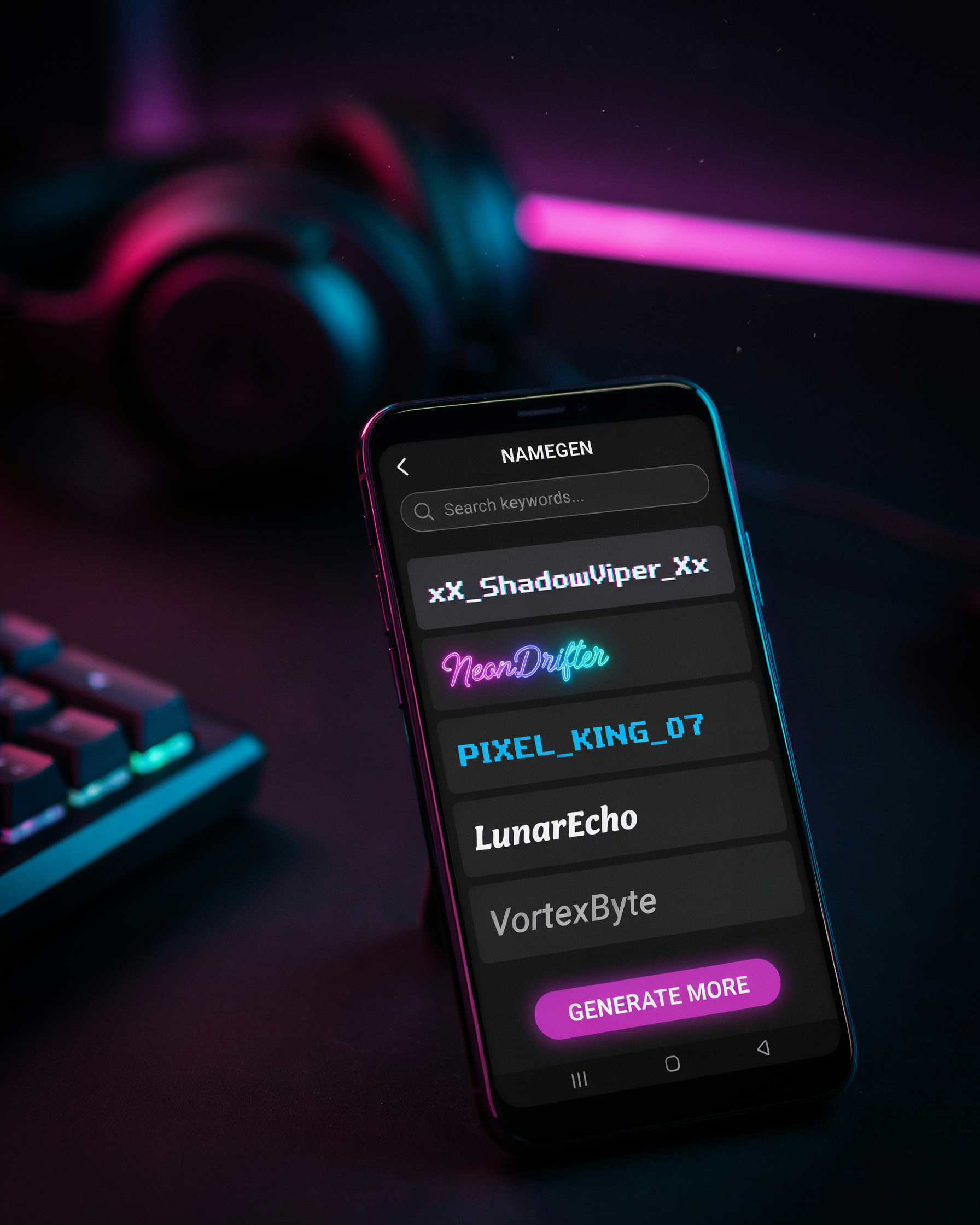
A stylish name maker is a simple online tool that transforms a plain username into a decorated, eye-catching display name for Free Fire. You type in a base name like "Ravi" or "ShadowKing," and the tool instantly generates dozens of variations using special symbols, Unicode characters, fancy fonts, and spacing tricks. The result is a name that stands out in the kill feed, on the leaderboard, and in your squad's lobby screen.
Under the hood, a stylish name generator works by swapping standard letters for visually similar Unicode glyphs. For example, the letter "A" might become "ꍏ" or "ꋬ," while "S" could turn into "ꌗ" or "§." The tool also adds decorative flourishes like crowns, stars, wings, and hearts around the name. Because Free Fire's name field accepts most Unicode characters, these decorated names display correctly in-game without any mods or hacks. The Unicode Consortium maintains the standard that makes these characters work across devices, and you can check their full character charts if you want to see exactly which glyphs are supported.
I've tested dozens of these tools while building my own roster of ff name style presets, and the best ones share a few traits: they preview the name live, they let you copy with one tap, and they don't force you through a signup wall. A good stylish name maker should feel instant, not like a project.
It's worth noting that a stylish name maker is not a cheat or a hack. It simply rearranges characters that already exist in the Unicode standard. Your name still follows Free Fire's length limits and naming rules, so you won't get banned for using one. The only real risk is picking a name so cluttered with symbols that your friends can't actually read it, which I'll cover later in the tips section.
Why Your Free Fire Name Matters
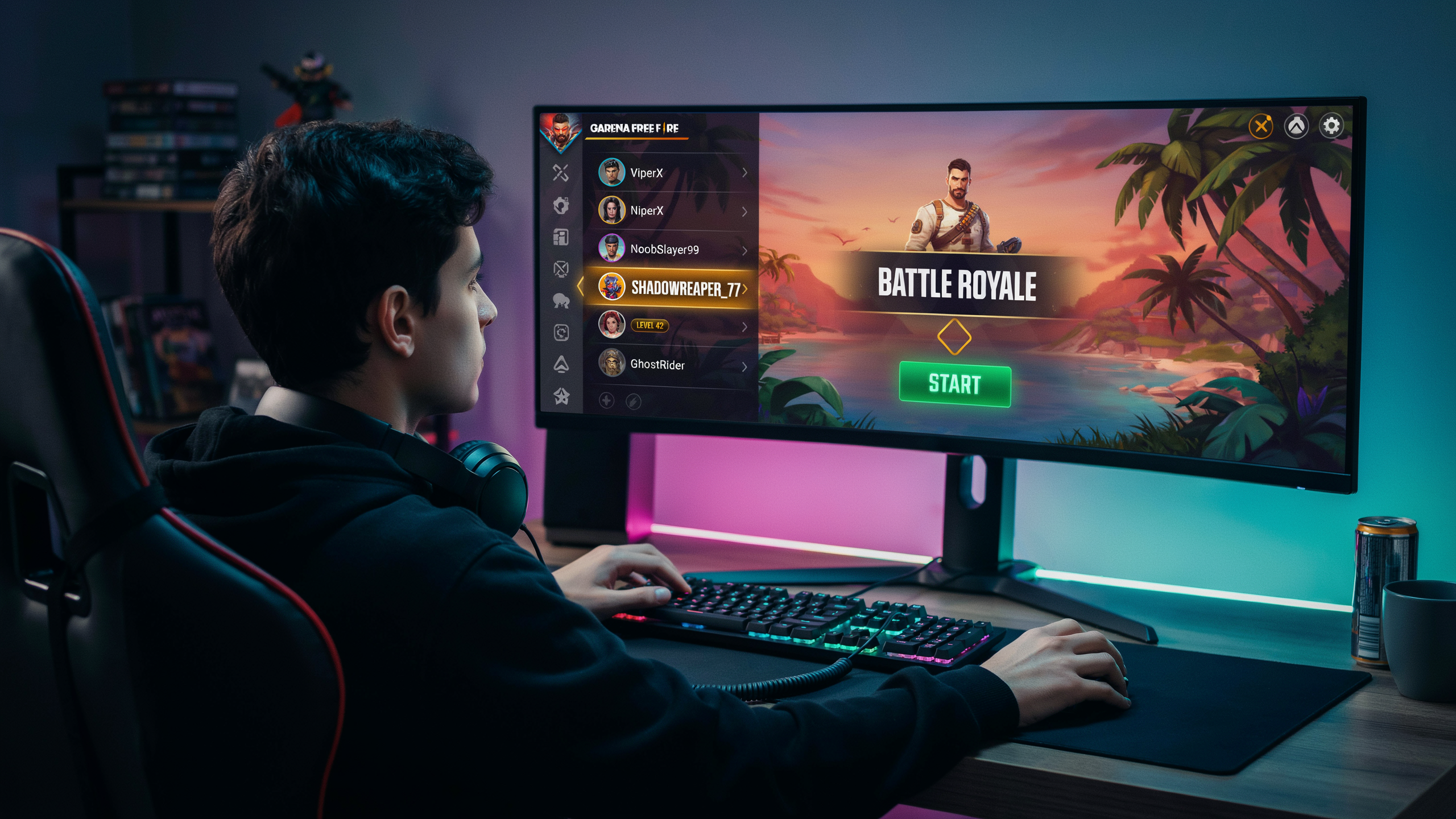
In Free Fire, your name is the first thing other players see before the match even begins. A generic name like "Player12345" tells everyone you didn't care enough to customize, while a carefully crafted stylish name signals that you're serious about your presence in the game. I've seen squads invite strangers purely because their name looked cool, and I've also seen players get ignored for having a default-looking tag. Your ff name style is your digital handshake, and it sets expectations before you fire a single shot.
The right name style does more than look pretty. It helps you build a recognizable identity that friends remember, rivals respect, and content creators can brand. When I watch Free Fire streamers, their names are part of their brand, and viewers instantly associate that name with their playstyle. A unique name also reduces the chance of being confused with other players in crowded lobbies, which matters when you're trying to build a reputation. Whether you go for an aggressive, funny, or mysterious vibe, your name is the first layer of your in-game persona.
There's also a practical side: a distinctive name makes it easier for teammates to call you out during intense fights. Instead of shouting "the guy with the long number," they can say your actual name. That split-second clarity can win games. So don't treat your Free Fire name as an afterthought. It's a small investment that pays off in social presence, team coordination, and personal pride every time you drop into Bermuda.
How to Use a Stylish Name Maker: Step-by-Step
I have tested dozens of name tools over the years, and the process for getting a great ff name style is always the same. Start by typing your base name into the input box on namesforfreefire.com. The tool instantly shows you dozens of variations with symbols, fonts, and decorative characters. I usually type a short word like "Rex" or "Shadow" because shorter names leave more room for styling.
Next, filter the results by the vibe you want. Most stylish name makers let you pick between categories like attitude, cool, pro, or cute. When I want a competitive look, I choose the attitude filter and scan for names with sharp symbols like arrows or crowns. The nickname ff generator on the site also shows a live preview, so you can see exactly how the name will appear in the game lobby.
Once you find a style you like, tap or click the copy button next to it. Then open Free Fire, go to your profile, and tap the edit icon beside your current name. Paste the copied text into the name field. Free Fire allows up to 12 characters, so if your styled name is longer, trim a symbol or two. I always keep a backup list of three or four favorites because some symbols may not render correctly on certain devices.
Finally, test the name in a practice match. If the symbols look broken or the name is hard to read, go back and choose a simpler variation. A clean free fire ka name with one or two well-placed symbols beats a cluttered mess every time. The whole process takes under two minutes, and once you save the name, it stays until you change it again. This is how I get a free style name that stands out without looking like spam.
Popular Name Styles for Free Fire
When I first started playing Free Fire, I thought any name would do. Then I got eliminated by a player called ꧁༒☬DΞVIL☬༒꧂ and realized I was missing out. A ff name style is more than decoration; it is how other players read you before the first shot. The right nickname ff can make you feel faster, sharper, and more confident in every match.
Most players fall into one of three camps. Attitude names are aggressive and bold, built for players who rush first and ask questions later. Think words like "Destroyer," "Reaper," or "No Mercy" paired with sharp symbols. Cool names lean sleek and mysterious, often using short words, clean fonts, and minimal symbols to look effortless. Pro names signal skill and experience, usually simple tags that sound like a tournament handle: "SniperKing," "HeadshotGod," or "ClutchMaster."
Here is a quick breakdown of what each style communicates:
- Attitude: Aggression, dominance, fear factor. Best for rushers and close-range fighters.
- Cool: Mystery, style, understatement. Best for snipers and tactical players.
- Pro: Skill, reputation, competitive edge. Best for ranked grinders and squad leaders.
I have tested all three, and the best free fire ka name always matches how I actually play. A cool name on an aggressive player feels off, just like a pro name on someone who hides in bushes. The stylish name maker helps you find that match faster by showing you combinations you would never think of on your own.
One trick I use: pick a base word that fits your style, then let the stylish name maker add symbols and font variations around it. For example, "Shadow" becomes "꧁༒☬S H A D O W☬༒꧂" for a cool look, or "S H A D O W ツ" for something more playful. The style name you choose should feel like it belongs to you, not like a random copy-paste from a list.
If you are unsure where to start, try the free fire attitude name style first. It is the most popular category in Free Fire because it gives you instant presence. From there, you can tone it down or amp it up until the name feels right. Remember, your name is the first thing enemies see on the kill feed, so make it count.
Adding Symbols and Special Characters
Symbols are the fastest way to make a plain name stand out in Free Fire. A name like "Rahul" becomes "꧁༺Rahul༻꧂" or "Rᴀʜᴜʟ" with just a few extra characters, and that visual difference is what catches eyes in the lobby and on the kill feed. I always start with a base name I already like, then test a few symbol placements before committing, because some symbols render differently on different devices.
Common symbols that work well include crowns (♛), stars (★), hearts (♥), wings (ʚɞ), and decorative brackets like 【】 or 『』. You can place them at the start, end, or both, but I recommend keeping it to two or three symbols total. Too many symbols make a name hard to read, and opponents will just call you "that guy with the weird name" instead of your actual tag. A clean example is "★Shadow★" or "꧁Joker꧂", where the symbol frames the name without overwhelming it.
One trick I use is pairing symbols with a specific ff name style so the whole name feels intentional rather than random. For example, a crown symbol fits an aggressive, royal-sounding name, while a heart symbol works better for a friendly or couple-style name. Test your final name in a custom room before you spend diamonds on a rename card, because once you confirm, you are stuck with it until the next rename.
Using Fonts for a Unique Look
Fonts are the visual fingerprint of your Free Fire identity. A stylish name maker lets me swap the default in-game typeface for something that actually turns heads in the kill feed. The right font can make the same word feel aggressive, elegant, or futuristic, and that choice changes how other players read you before you even fire a shot.
I usually test three or four font styles side by side before settling on one. Bold and heavy fonts work well for aggressive names like DESTROYER or RUTHLESS, while cursive and script fonts suit softer or more mysterious tags. Gothic and blackletter fonts give a medieval, intimidating edge that fits clan leaders and veteran players. Some fonts also render better in the game's UI, so I always preview the name in the actual Free Fire interface before locking it in.
One trick I rely on is pairing a font with a symbol, like a crown or a skull, to create a layered look. The font sets the mood, and the symbol adds the finishing touch. A stylish name maker that offers live preview makes this process much faster, because I can see exactly how the final name will appear in the lobby and on the scoreboard. If you are still experimenting, a nickname ff search can show you how different fonts look on real player profiles, which saves a lot of trial and error.
Regional and Language Variations
Free Fire players around the world love to add a local touch to their in-game identity, and a stylish name maker makes that easy. I have seen squads where every member uses a name in their own language, from Hindi and Tamil to Spanish and Indonesian. That shared regional flavor builds instant recognition, especially when you play with friends from the same area. A name like "राजा" or "दबंग" carries attitude that an English word simply cannot match, and the right symbol placement makes it feel personal.
Hindi names are especially popular in the Indian server, where players often mix Devanagari script with English letters. A free fire ka name can include words like "बादशाह", "शेर", or "योद्धा", and adding a crown or flame symbol turns it into a true style statement. I recommend keeping the name readable, because teammates need to call you out during a match. If the script is too fancy, your squad will end up calling you "that guy with the weird name" instead of your actual tag.
Other regional trends include Arabic calligraphy styles, which look striking even if you do not read the script, and Japanese kana for a clean, minimal vibe. A stylish name maker usually supports these scripts, so you can experiment without breaking the game's character limit. The key is consistency: pick one language or script family and stick with it, rather than mixing three different alphabets in a single name. That keeps the design cohesive and makes your profile stand out for the right reasons.
Attitude and Stylish Name Ideas
When I want a name that makes opponents pause before the match even starts, I lean into attitude. The right free fire attitude name style combines a bold word with symbols that reinforce the vibe. Think of names like RØCK$TAR, ĐEATHWALKER, or KING×OF×WAR. Each one tells a story before you fire a single shot.
I usually start with a core word that matches my playstyle. If I rush aggressively, words like Berserk, Reaper, or Havoc work well. If I prefer sniping from distance, Ghost, Silent, or Shadow fit better. Then I replace letters with symbols: GØ$T instead of Ghost, or SHΔDØW instead of Shadow. The key is not to overdo it. Two or three symbol swaps keep the name readable while still looking stylish.
Another trick I use is pairing an attitude word with a number or clan tag. Names like R∆VEN×07, B∆D×BØY, or M∆D×KING feel personal and aggressive. You can also add a crown or skull symbol at the start or end: ♛RØCK$TAR♛ or ☠ĐEATHWALKER☠. These small touches make the name feel complete.
If you want a full list of ready-made attitude names, the free fire attitude name style page has dozens of examples organized by vibe. I often copy a base name from there and tweak one or two symbols to make it my own. That way I get the attitude without spending an hour brainstorming from scratch.
Tips for Choosing the Perfect Name
Choosing the right name in Free Fire is more than just picking something that looks cool. I have learned that the best names balance three things: readability, uniqueness, and personal branding. If your teammates cannot read your name in the heat of a match, it loses its purpose. A stylish name maker helps, but you still need to make smart choices.
First, keep it readable. Fancy fonts and symbols are great, but if every letter is replaced with a cryptic character, nobody will know who you are. I always test my name by asking a friend to read it out loud. If they hesitate, I simplify. A good rule is to use at most two or three special symbols, and place them at the start or end rather than between every letter. This keeps the name recognizable while still looking stylish.
Second, aim for uniqueness. Free Fire has millions of players, so common names like "ProGamer" or "DarkWolf" get lost. A stylish name maker can generate hundreds of options, but I always tweak the result to add a personal touch. Maybe I add my birth year, a favorite number, or a short word that means something to me. This makes the name feel like mine, not a copy-paste from a generator.
Third, think about personal branding. Your name is how other players remember you. If you stream or post clips, a consistent name across platforms helps people find you. I chose a name that reflects my playstyle, aggressive but a little playful. A stylish name maker is a tool, not a crutch. Use it to spark ideas, then refine the result until it feels like you.
Finally, avoid names that are hard to type or search. Some symbols do not appear correctly on all devices, and a name full of invisible characters can cause glitches. I stick to widely supported symbols like stars, hearts, and simple Unicode characters. This way, my name looks great on my screen and on my teammates' screens too.
Common Mistakes to Avoid
I have seen plenty of players wreck a good ff name style by trying too hard. The biggest mistake is stacking five different fonts and a dozen symbols into one name. It looks messy, and many devices will not render it correctly. Keep it to one or two style elements so the name stays readable in the kill feed.
Another common slip is using characters that Free Fire blocks or that break the game's text system. Some Unicode symbols look fine in a preview but turn into blank boxes in-game. Test your name in a custom room before you commit. Also avoid copying a name you saw on a streamer's channel. Those names get reported, and you may be forced to change it.
Finally, do not ignore length limits. A stylish name maker can generate long strings that get cut off mid-match. I always trim to under 14 characters so the full name shows on the scoreboard. A short, clean name beats a cluttered one every time.
Frequently Asked Questions
How do I change my Free Fire name?
Open Free Fire, tap your profile in the top-left corner, then tap the edit icon next to your current name. You'll need a rename card, which costs 390 diamonds in the shop. Type your new stylish name, confirm, and it updates instantly.
Are symbols and special characters allowed in Free Fire names?
Yes, most Unicode symbols work, like stars, crowns, hearts, and arrows. Avoid emojis and some rare glyphs that can show as blank boxes. I test every symbol in a ff name style preview before using it in-game.
Can I use a stylish name maker for free?
Absolutely. A good nickname ff tool lets you mix fonts and symbols at no cost. You copy the finished name and paste it into Free Fire, no download or signup needed.
Why does my stylish name show as boxes for other players?
Some devices don't support certain Unicode ranges. Stick to common symbols like ★, ꧁, ꧂, and 么. If your squad sees boxes, swap the rare glyph for a standard one from a free fire ka name list.
How do I make an attitude name for Free Fire?
Combine a bold word like "Demon" or "King" with a sharp symbol and a stylized font. I pull ideas from a free fire attitude name style guide, then tweak the spacing and add a crown or skull to make it mine.