A fancy text generator turns plain words into decorated, Unicode-styled text you can copy straight into Free Fire, Instagram, or a chat bio. We built Namesforfreefire.com around this exact problem because players kept asking how to make their in-game name stand out without breaking the game's character rules. You type a normal name, pick a style, and copy the result. No registration, no downloads, no waiting. Here's what matters most before you start.
Key takeaways
- A fancy text generator converts standard letters into Unicode symbols and styled characters that Free Fire accepts.
- Namesforfreefire.com gives you instant copy-paste output in multiple languages, with no signup required.
- Most fancy styles work in Free Fire, but some symbols get stripped or replaced, so testing matters.
- You can use the same tool for Instagram bios, WhatsApp statuses, and other games, not just Free Fire.
- Stick to readable styles if you want teammates to actually recognize and type your name.
What a fancy text generator actually does
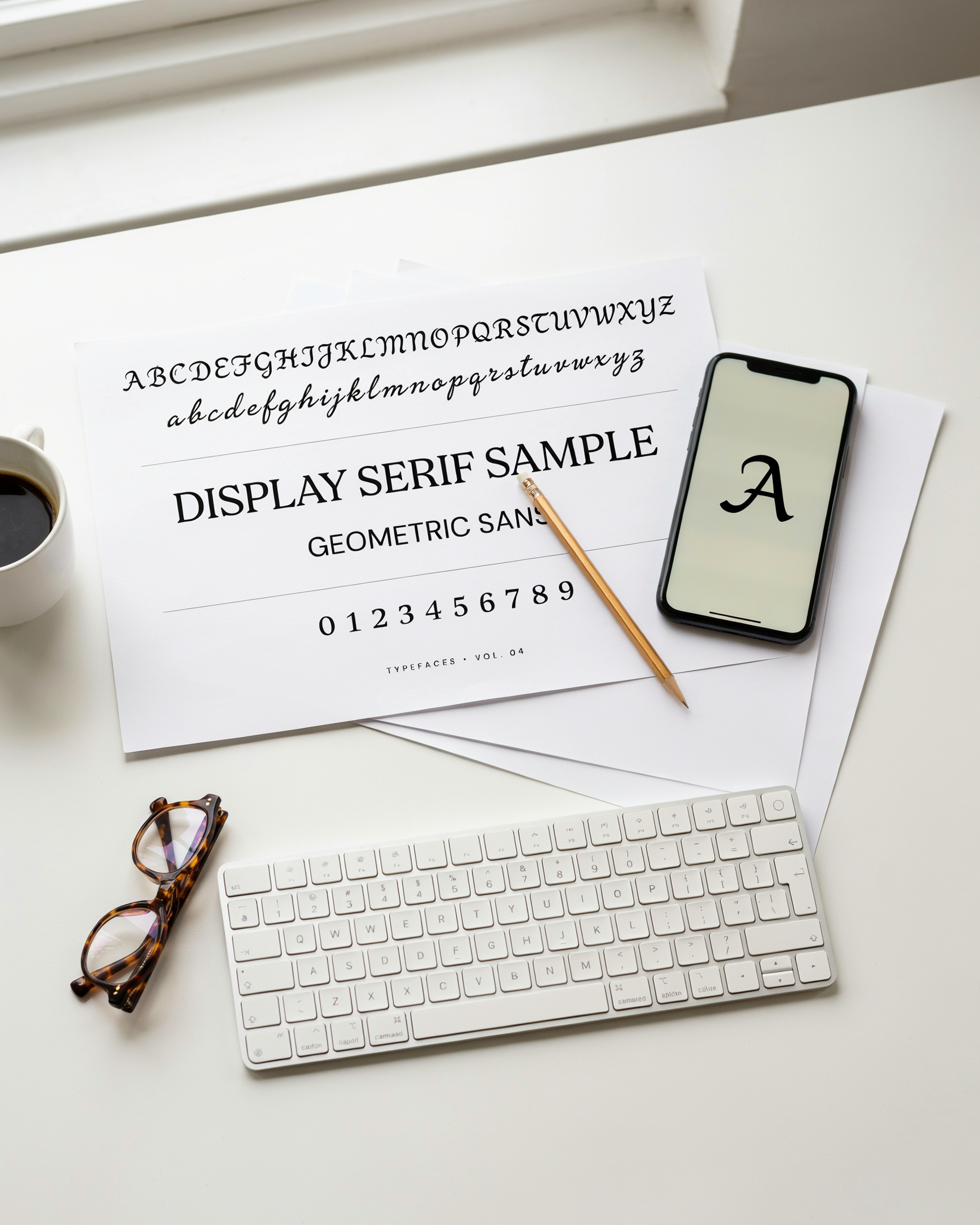
A fancy text generator takes the normal letters you type and swaps them for Unicode symbols that look like styled fonts. The underlying characters stay the same, but the visual output changes completely. When you type "RAVEN" into a fancy text generator, the tool maps each letter to a matching Unicode character from a different block, so R becomes ℝ or Ⓡ or 𝓡 depending on the style you pick. The text still reads as RAVEN, but it looks nothing like the default font.
That's the key difference between a fancy text generator and a font changer that installs actual typefaces on your device. A real font swap changes the rendering engine's instructions. Unicode styling just substitutes one character for another. The benefit is that the result works almost everywhere: Free Fire, Instagram bios, Discord usernames, WhatsApp statuses. No installation, no compatibility issues, no waiting for a font pack to load.
Because the output is built from standard Unicode characters, it's copy-paste ready the moment you generate it. You tap the copy button, switch to Free Fire, and paste the name into the profile field. The game reads the symbols as valid text, so the name displays with the fancy styling intact. Some platforms strip certain Unicode ranges, but the common ones used by most generators pass through without a problem.
One thing to know: a fancy text generator doesn't create new fonts. It reuses existing Unicode blocks that were designed for math notation, enclosed alphanumerics, and other purposes. That's why the styles have names like "circled", "squared", "script", and "bold fraktur". The generator's job is to make that mapping instant, so you don't have to hunt through a character map yourself. The Unicode Consortium's FAQ explains how these character blocks work if you want the technical background.
Why Free Fire players care about stylish names

In Free Fire, your name is the first thing people see in a lobby. It sits above your character before the match even starts, and it shows up again in the kill feed when you take someone down. A plain name blends into the background. A name built with a fancy text generator grabs attention before you fire a single shot.
Clans feel this pressure hardest. When a squad rolls into a lobby with matching symbols and a shared style, it reads as organized and intimidating. A fancy font style ties a clan together, and it makes recruiting easier because the group already looks put together. The same logic applies to solo players who want a name that sticks in someone's memory after a rough match.
There's a hard limit to work around: Free Fire names max out at 12 characters. That's short, and it means every character has to earn its place. Unicode symbols and special characters count toward that limit just like letters do, so a name full of decorative flourishes can eat up space fast. The trick is picking a style that looks sharp without wasting slots. Our Font Styles 101: A Beginner's Guide to Fancy Text covers which symbols give the most visual punch per character, which matters when you only have a dozen to spend.
Standing out in a lobby isn't about being loud. It's about being recognizable. A name that uses a bold text generator or a clean fancy text style reads as deliberate, and deliberate names get remembered.
How to use a fancy text generator step by step
Using a fancy text generator takes less than a minute once you know the flow. Open namesforfreefire.com, and you'll see a plain text box sitting at the top of the page. Type the name you want, exactly as you'd normally write it. Don't add symbols yet. The tool does that part for you.
As you type, the generator instantly shows dozens of style previews below the box. You'll see cursive options, gothic lettering, bubble fonts, and styles with crowns or wings attached. Scroll through and pick the one that matches your vibe. No download, no signup, no waiting.
Tap or click the style you like. It copies to your clipboard automatically. Now open Free Fire, go to your profile, and tap the pencil icon next to your current name. Long-press the name field, hit paste, and save. That's the whole process.
One thing to watch: Free Fire has a character limit for names. If a style adds too many decorative characters, the game may reject it. If that happens, pick a simpler style from the same fancy text generator, or shorten your base name by a letter or two. Most players find a working option on the second try.
We built the tool to be instant copy-paste, so you won't need to manually select text or fight with a mobile keyboard. If you want to test a few names before committing, paste them into a notes app first and compare side by side.
Fancy font styles you can copy right now
Once you open a fancy text generator, you'll see a wall of options. Most tools group them into a handful of styles that Free Fire players actually use in their names. Here are the ones worth trying first.
Cursive and script styles are the most popular. They turn a plain name like "Raven" into flowing, handwritten-looking text that stands out in the kill feed. Gothic styles, sometimes called blackletter, give names a heavier, medieval look that reads well in all caps. Circled characters wrap each letter in a ring, which looks clean when you want a subtle change without making the name hard to read. Small caps shrink the lowercase letters to uppercase height, a quiet tweak that makes a name feel more polished. Strikethrough puts a line through each character, which some players use for a crossed-out or "deleted" effect.
Each fancy font style has a different feel, and the one you pick changes how other players read your name at a glance. A cursive name looks elegant. A gothic name looks aggressive. Circled text feels playful. The style matters as much as the name itself.
The workflow is simple. Type your name into the tool, scroll through the generated styles, and tap the one you like. The text copies to your clipboard automatically. Then you paste it into Free Fire's name field. This font style copy and paste flow is why these tools are so fast to use. No downloads, no fonts to install, no settings to change. You can test five different styles in under a minute and see which one fits your playstyle.
If you want a broader look at what's possible, our Font Styles 101: A Beginner's Guide to Fancy Text walks through each category with more examples. But for a quick start, cursive, gothic, circled, small caps, and strikethrough cover most of what Free Fire players actually use.
Bold text generator and other style variations
Bold text is the workhorse of Free Fire name styling. It makes your name heavier and easier to spot in kill feeds and lobby lists, which is exactly what you want when you're trying to build a reputation. A Bold Text Generator for Free Fire: Stand Out Instantly takes standard letters and swaps them for their full-width or mathematical bold Unicode equivalents, so the text stays copyable instead of turning into an image. That matters because Free Fire's name field only accepts plain text characters.
Italic styles use slanted Unicode glyphs that lean right, giving your name a sense of motion. Combined styles stack both effects, so a single name can be bold, italic, and decorated with symbols all at once. The trick is restraint: too many competing effects make a name hard to read at a glance, and readability is what helps teammates call out your position quickly.
Some players prefer a layered approach that starts with a bold base and adds a thin outline or a single accent symbol. That combination reads clean on both mobile screens and desktop overlays. Test your name in the actual game lobby before committing, because some Unicode bold glyphs render differently depending on the device and regional font pack.
Do fancy names work in Free Fire?
Most fancy text styles do work in Free Fire, but not all of them. The game accepts a wide range of Unicode symbols and special characters, so names with crowns, stars, hearts, and stylized letters usually go through without a problem. That said, Free Fire has a 12-character limit for player names, and some fancy font styles count each Unicode character as more than one slot. A name that looks short on your screen might actually exceed the limit once the game counts every symbol.
Some characters get rejected outright. Free Fire blocks certain symbols it considers invalid or potentially confusing, and a few fancy font styles rely on characters the game simply won't accept. When that happens, the name change fails and you're asked to try again. You won't get banned for trying a fancy name, but repeated failed attempts can be frustrating.
Our experience with Free Fire Stylish Name Generator ꧁ Create & Copy FF Names ꧂ is that the simpler styles are the most reliable. Stick to symbols the game already uses in player names, like crowns, stars, and basic Unicode letters. If a name gets rejected, remove the most unusual character and try again. In most cases, one small tweak is all it takes.
Fancy text beyond Free Fire
The same fancy text generator you use for Free Fire names works just as well on Instagram, WhatsApp, Discord, and TikTok. Copy a styled word from the tool, paste it into your bio or chat, and it usually keeps the Unicode formatting. Instagram bios and captions accept most fancy font styles without issue, which makes them a quick way to stand out in a crowded feed. WhatsApp lets you paste styled text directly into messages and group names, though some older Android keyboards strip certain symbols. Discord supports fancy text in usernames, channel names, and status messages, but server roles with strict permissions may block special characters. The main thing to remember is that not every platform renders every symbol the same way, so test a short sample before committing to a full bio or server name.
Choosing the right fancy text generator
Not every fancy text generator is worth your time. Some bury the copy button behind ads, others force you to create an account before you can grab a single styled word. For Free Fire players who want to change their name fast, those extra steps are dealbreakers. You want a tool that loads quickly on a phone, shows a full grid of styles at once, and copies to your clipboard with one tap.
Namesforfreefire.com gets this right. It skips registration entirely, supports multiple languages, and lets you paste your text, scan the fancy font style options, and copy the one you like in seconds. The whole thing works smoothly on mobile, which matters when you're setting up a new account between matches. If you're new to styled names, the Font Styles 101: A Beginner's Guide to Fancy Text page explains the basics, but the generator itself should be simple enough that you don't need a tutorial.
When you're comparing tools, look for three things: instant copy without signup, a wide range of styles including bold and cursive options, and a layout that doesn't break on a small screen. If a site makes you hunt for the copy button or redirects you through three pages, close it and move on. The best fancy text generator feels invisible, you type, you tap, you paste, done.
Common mistakes when using fancy text
We see the same three errors over and over when players try a fancy text generator. The first is cramming too many symbols into one name. A name like ꧁༒☬Ð₳ℜ₭☬༒꧂ looks impressive for about five seconds, then it becomes a chore to read. Free Fire's kill feed moves fast, and nobody wants to squint at a wall of decorations while you're getting shot at. Pick one or two accents, not six.
Some characters also break in-game chat. Certain Unicode symbols render fine in the profile but show up as blank boxes or question marks in squad messages. If your teammates can't type your name to invite you back after a disconnect, that's a real problem. Test the name in a private lobby before you commit to it.
Readability matters more than style. A fancy font style that looks cool on a screenshot might be impossible to spot in the middle of a gunfight. If you can't read it at a glance from across the room, simplify it. The best names balance flair with function, and the Font Styles 101: A Beginner's Guide to Fancy Text page walks through that balance step by step.
Frequently Asked Questions
Is a fancy text generator free to use?
Yes, most fancy text generators are completely free. Namesforfreefire.com lets you create stylish names without registration or payment, and the copy-paste feature works instantly on both mobile and desktop.
Will fancy fonts work in my Free Fire username?
Free Fire supports many Unicode symbols and special characters in player names. Some symbols may be blocked or cause display issues, so test your name in a custom room before committing to it. Simple symbols like stars and hearts usually work fine.
Can I use fancy text in my Free Fire bio and guild name?
Yes, the same Unicode characters that work in your username also work in your bio and guild name. Keep in mind that some special characters can make your name harder for other players to search or report.
What is the best fancy font style for a Free Fire name?
Bold and cursive styles tend to look best in-game because they stay readable at small sizes. Decorative fonts with heavy symbols can look cluttered on the kill feed, so balance style with clarity.
Do fancy names affect my Free Fire account?
No, using a fancy name does not affect your account standing or gameplay. The only real risk is that some symbols may not display correctly on all devices, so your name might look different to other players.